

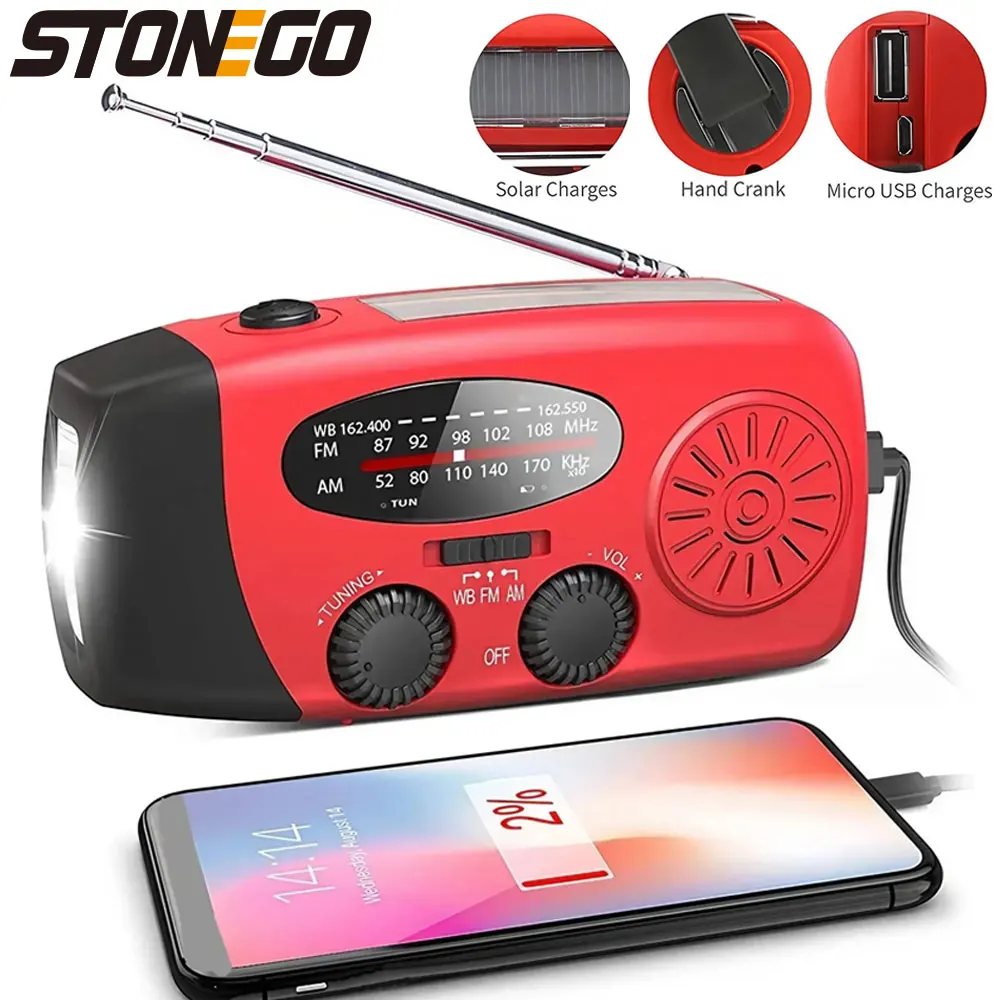
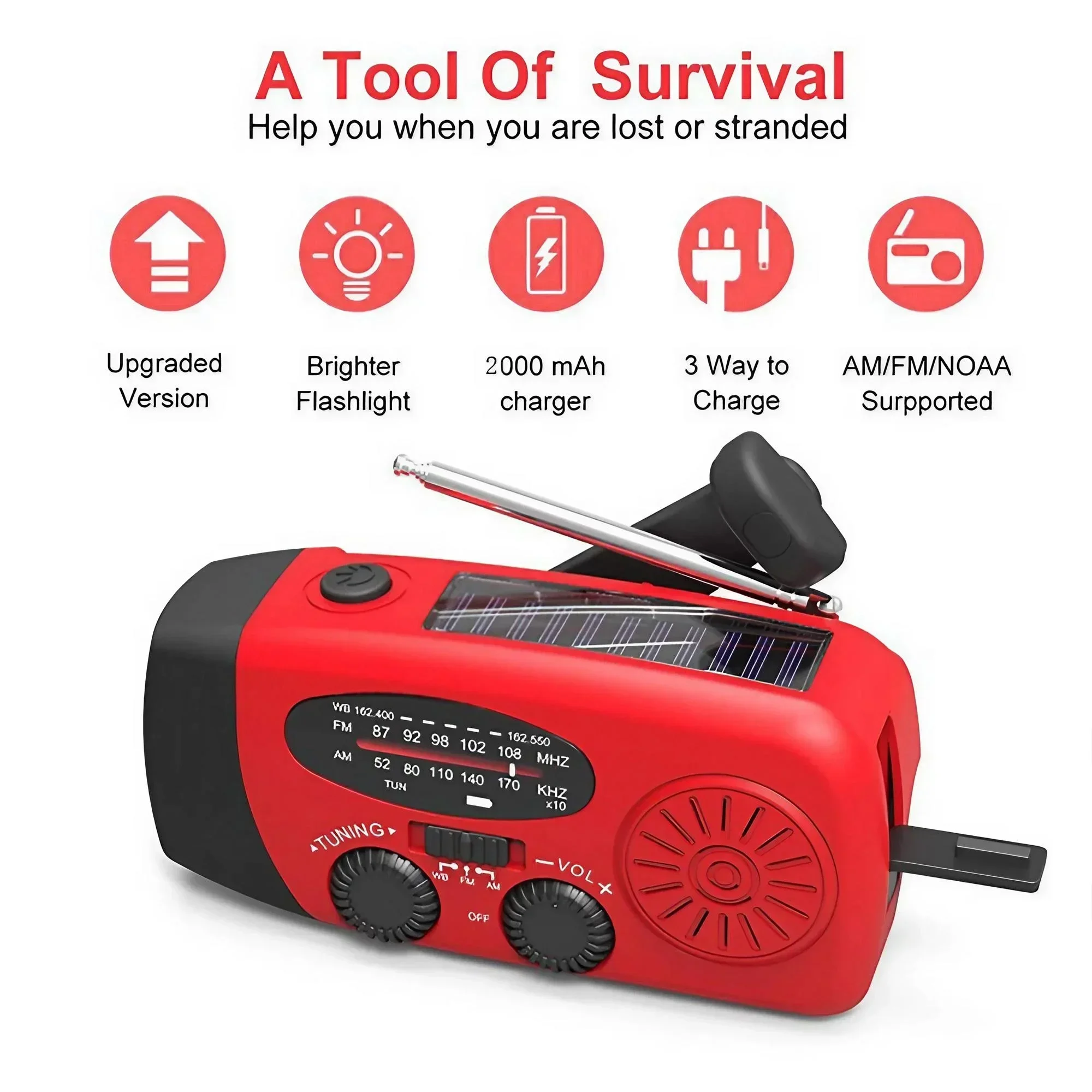

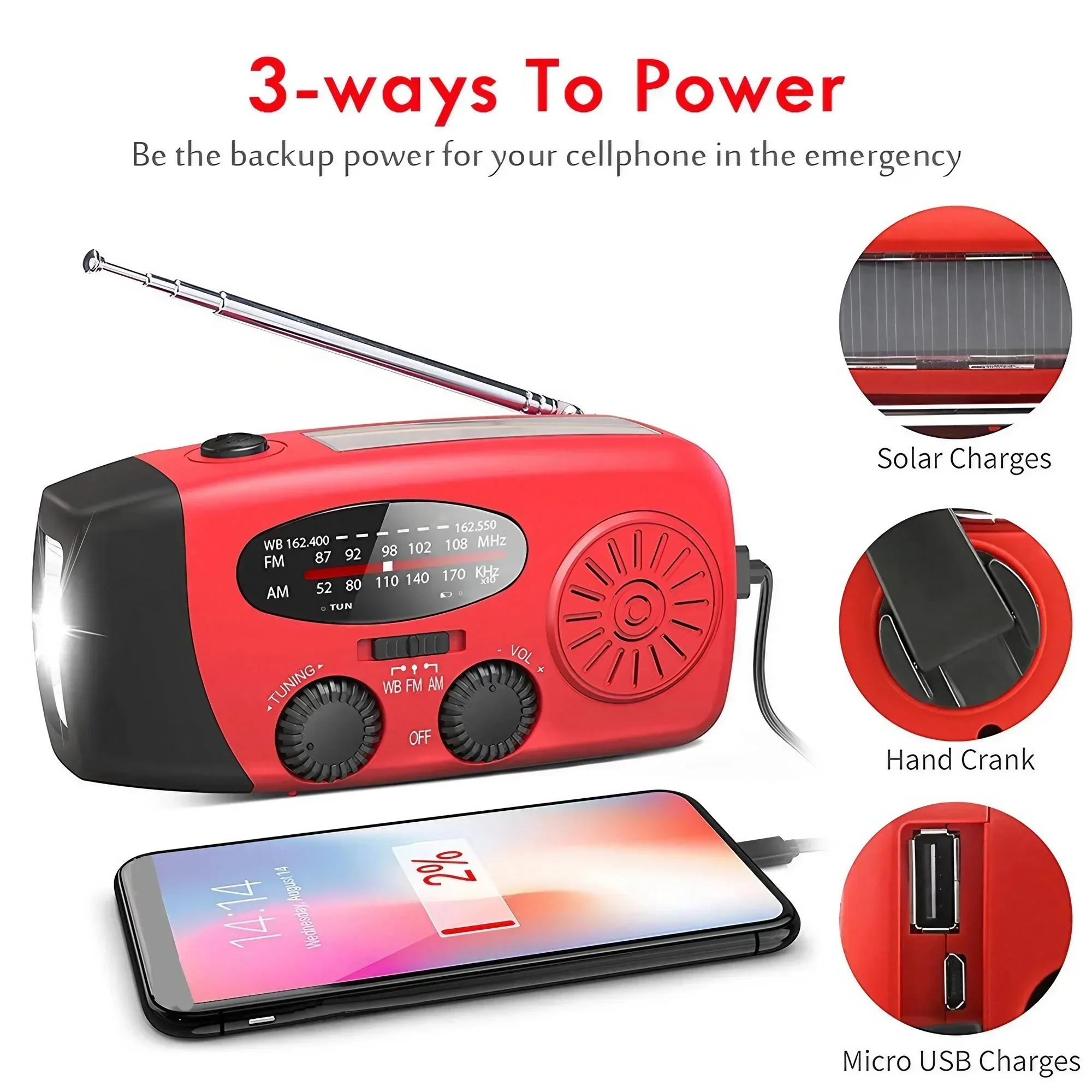


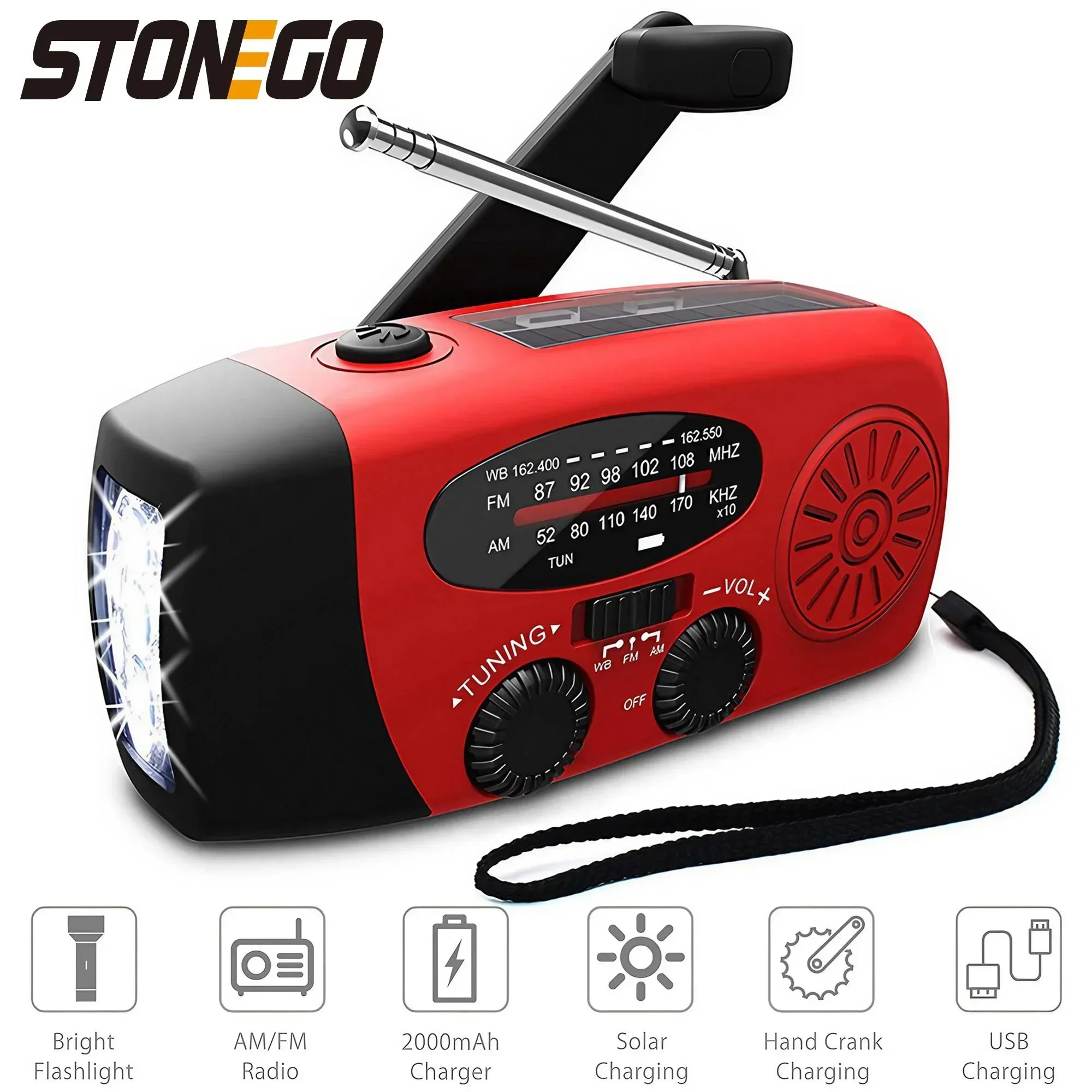
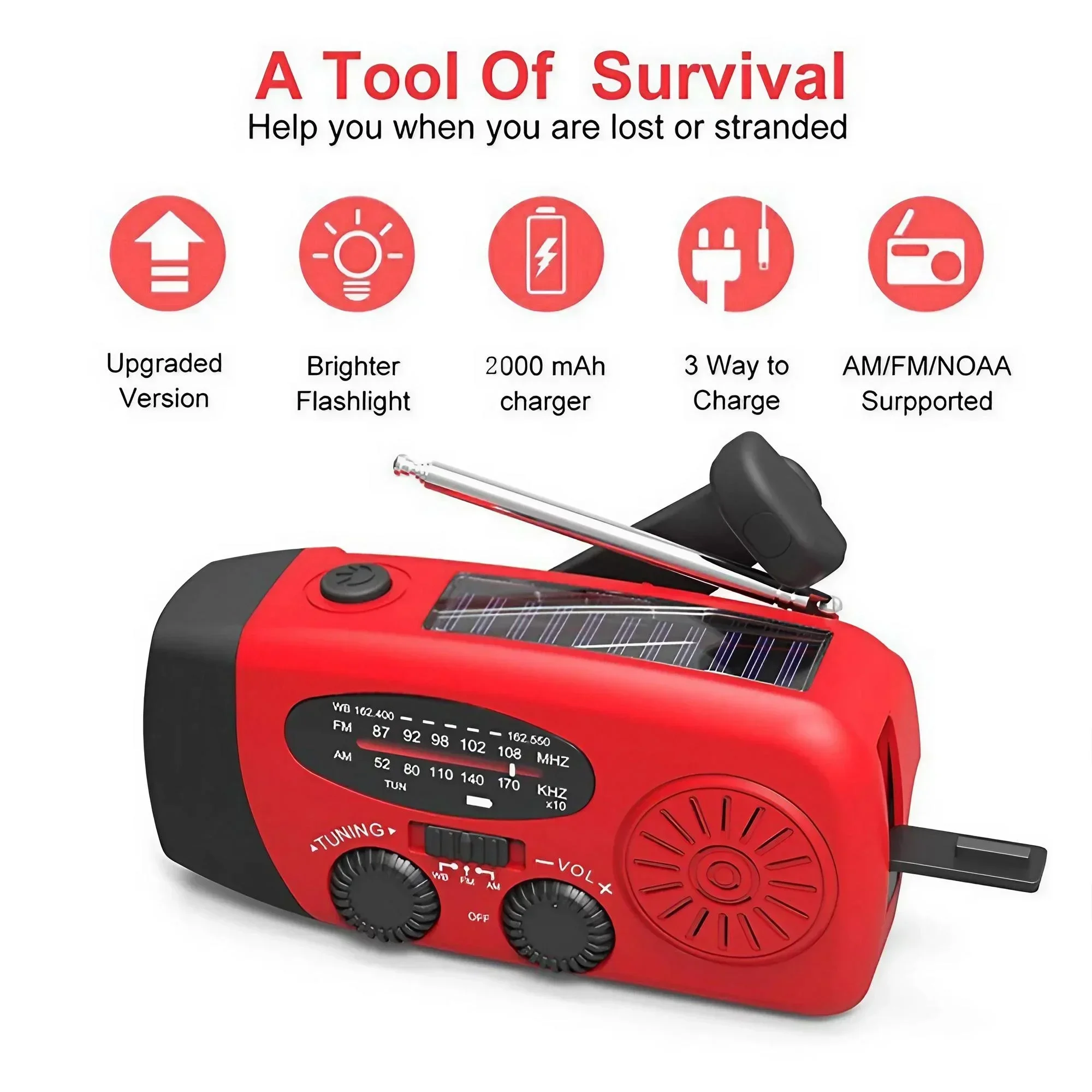
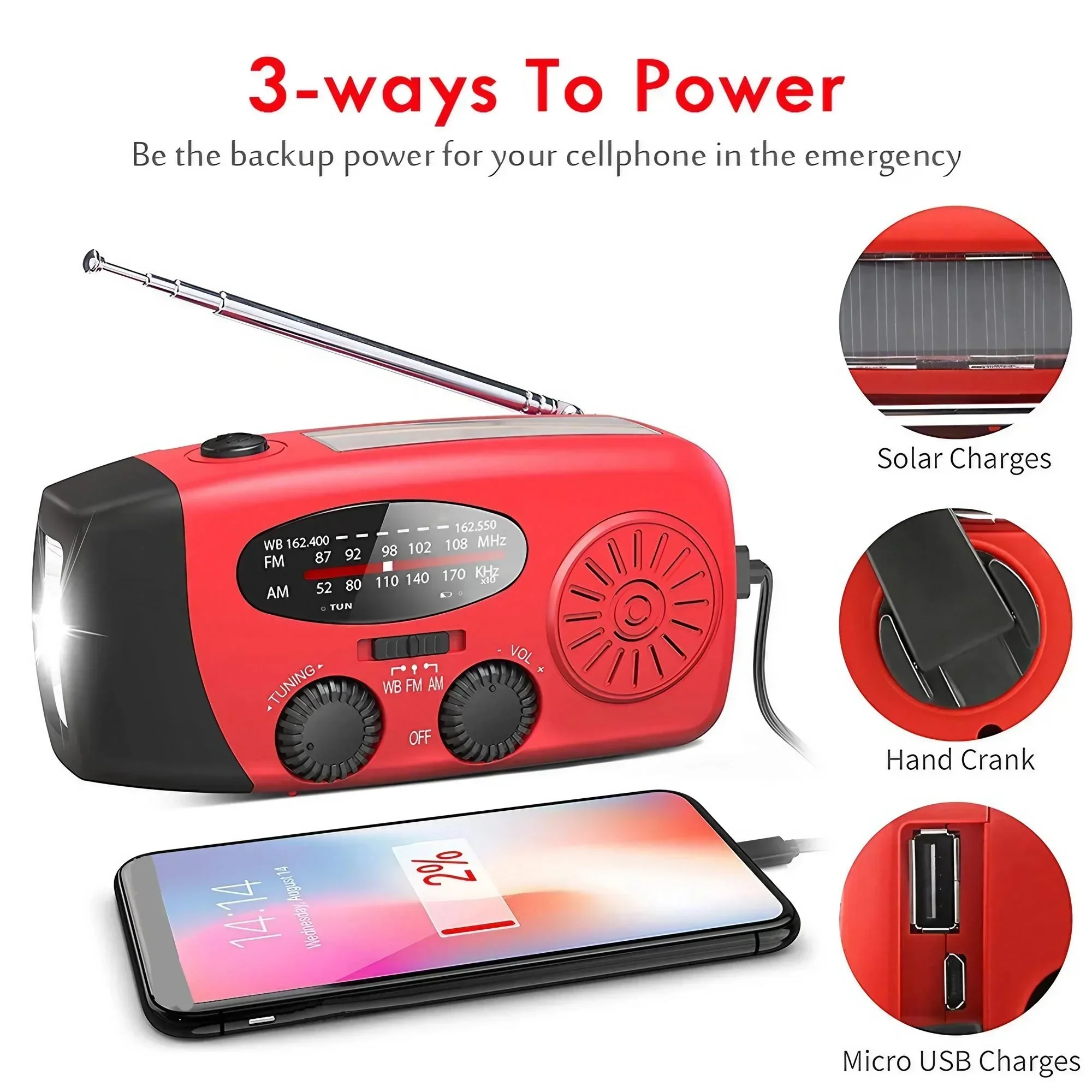
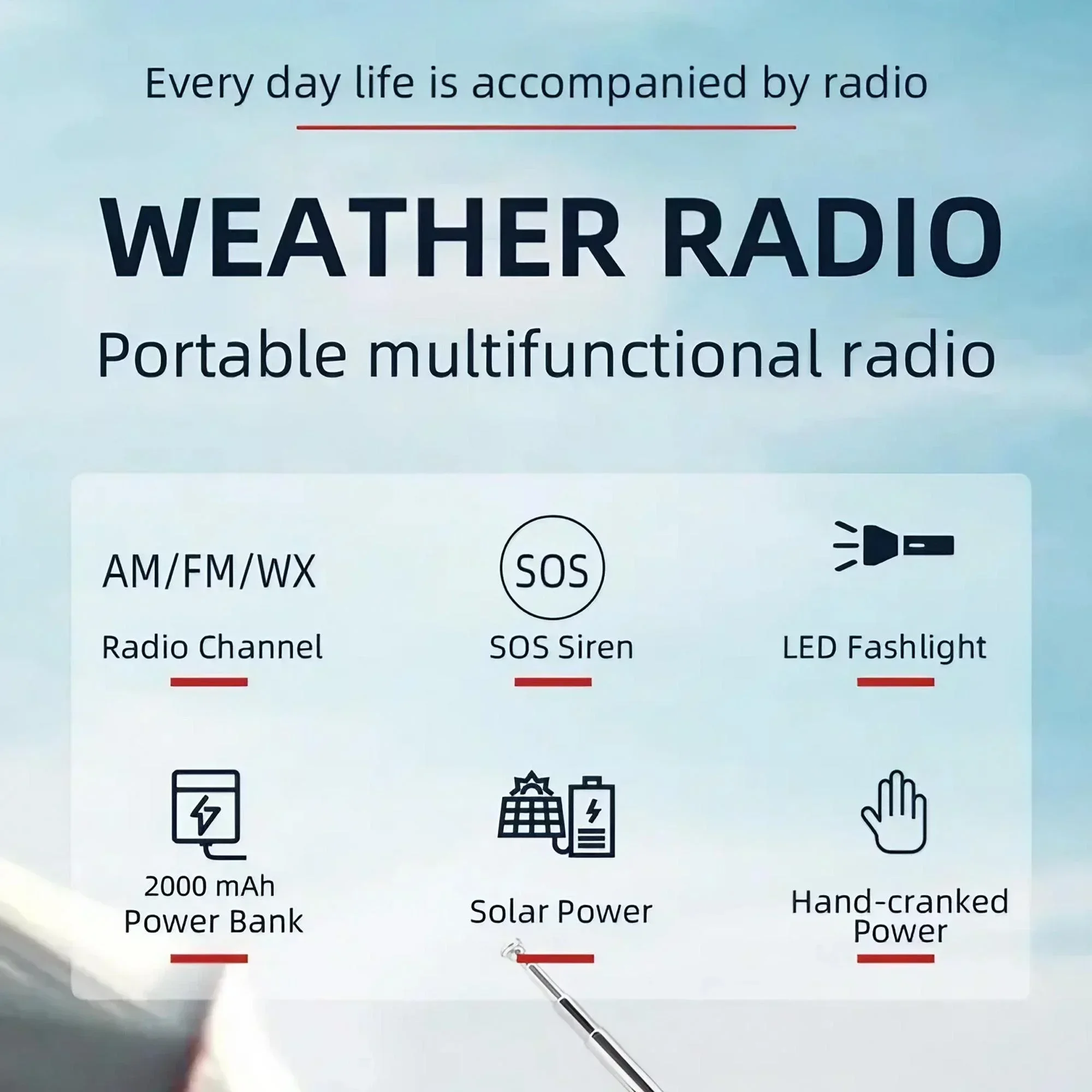
2. Multi-function: weather radio, 3 LED flashlight, power bank
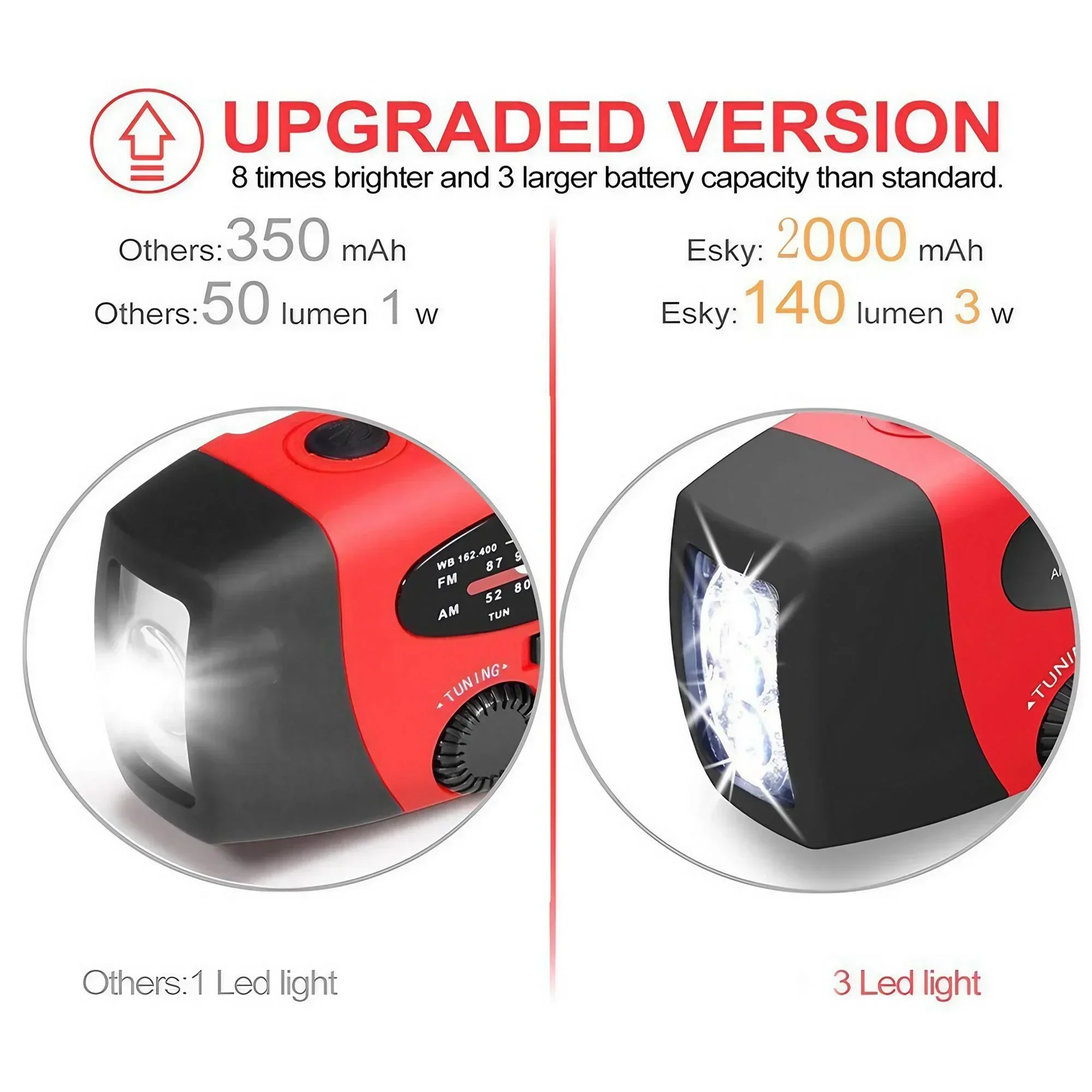
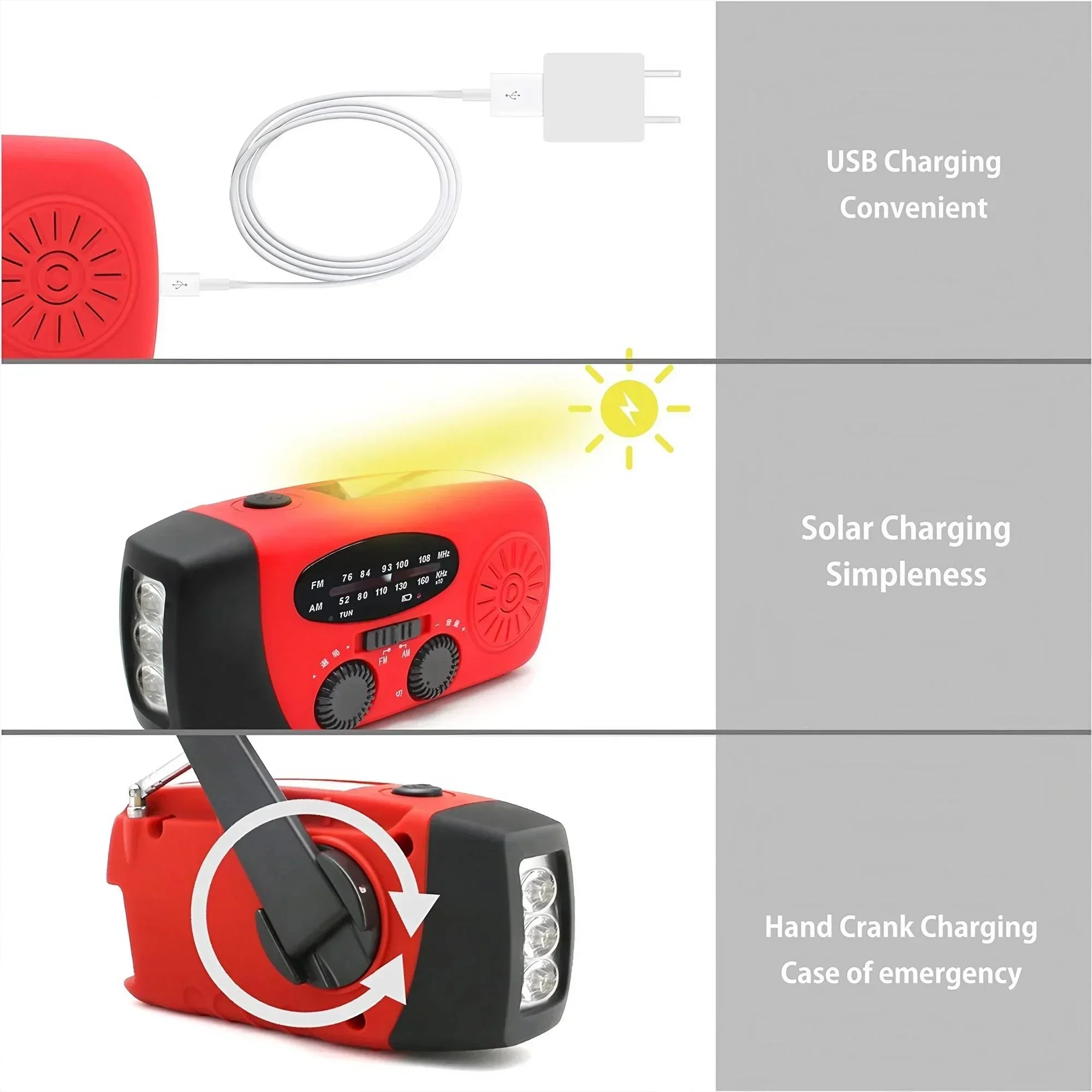
3. Three charging methods. USB, so and lar, manual charging. Charging radio is ready! The powerful 2000mAh battery recharges via USB cable, solar pane, or hand crank.
4. Carry it with you in case oan f an emergency. This lightweight AM/FM/NOAA radio is a convenient way to stay informed about important weather or news updates. Place it in your travel case or suitcase, or carry it by hand using the included lanyard. It’s small enough to fit in your pocket.
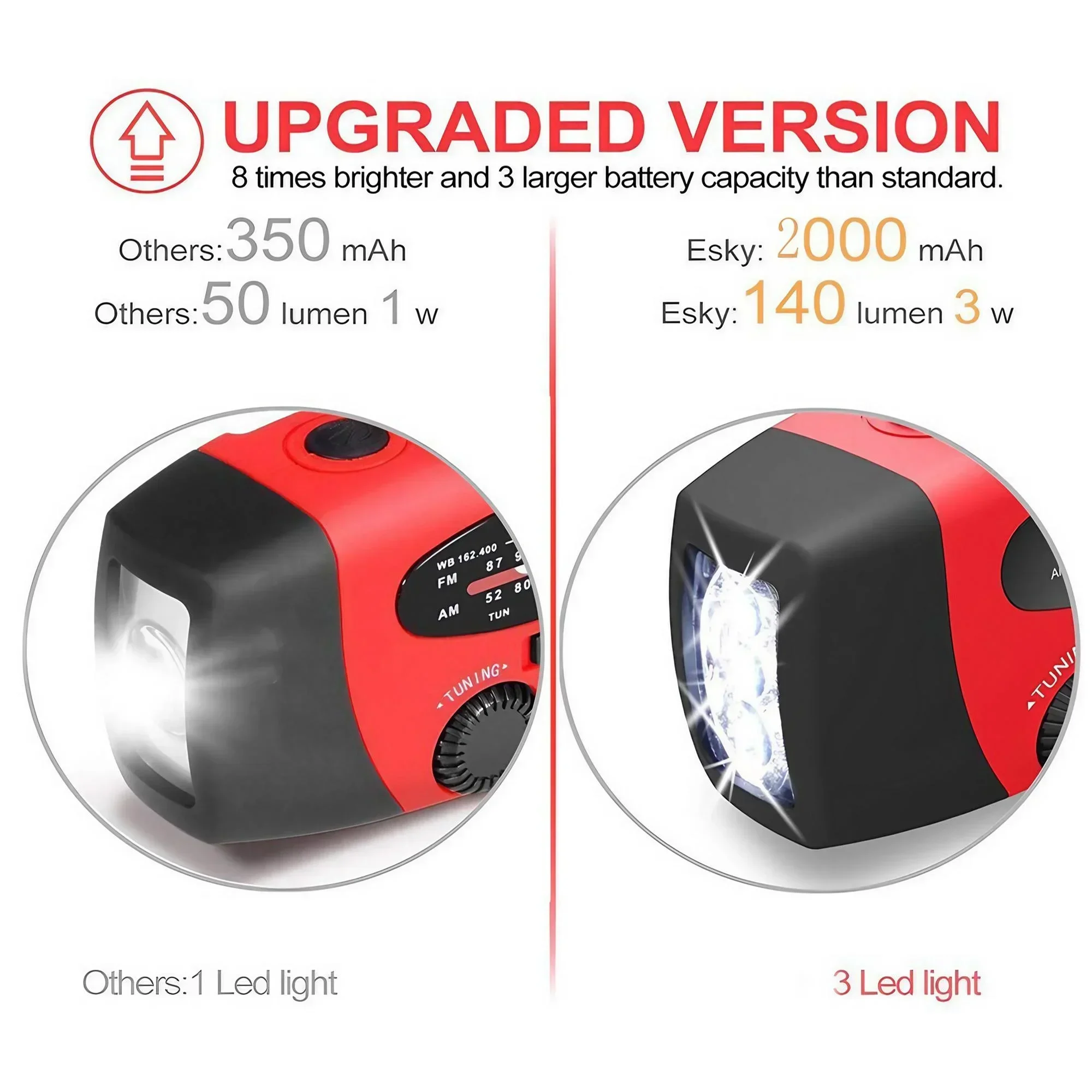
5. Very compact, equipped with more durable and powerful 1W LED, can be used for camping, backpacking, hiking, or any other outdoor activities;
6. Different from the original version, the 2000mAh model has a new battery indicator light to let you know the battery status at any time. Available in a variety of colors.
Specification:
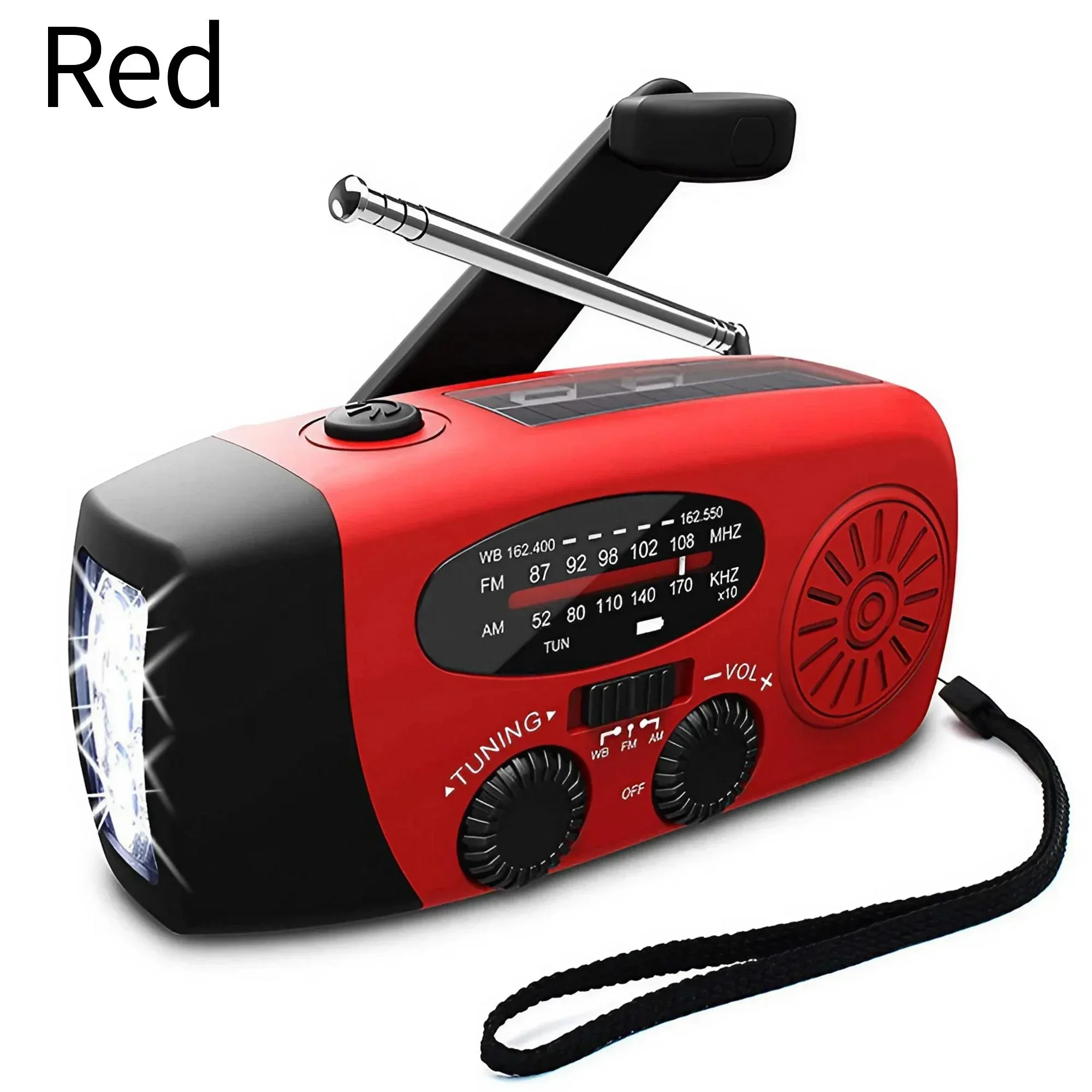
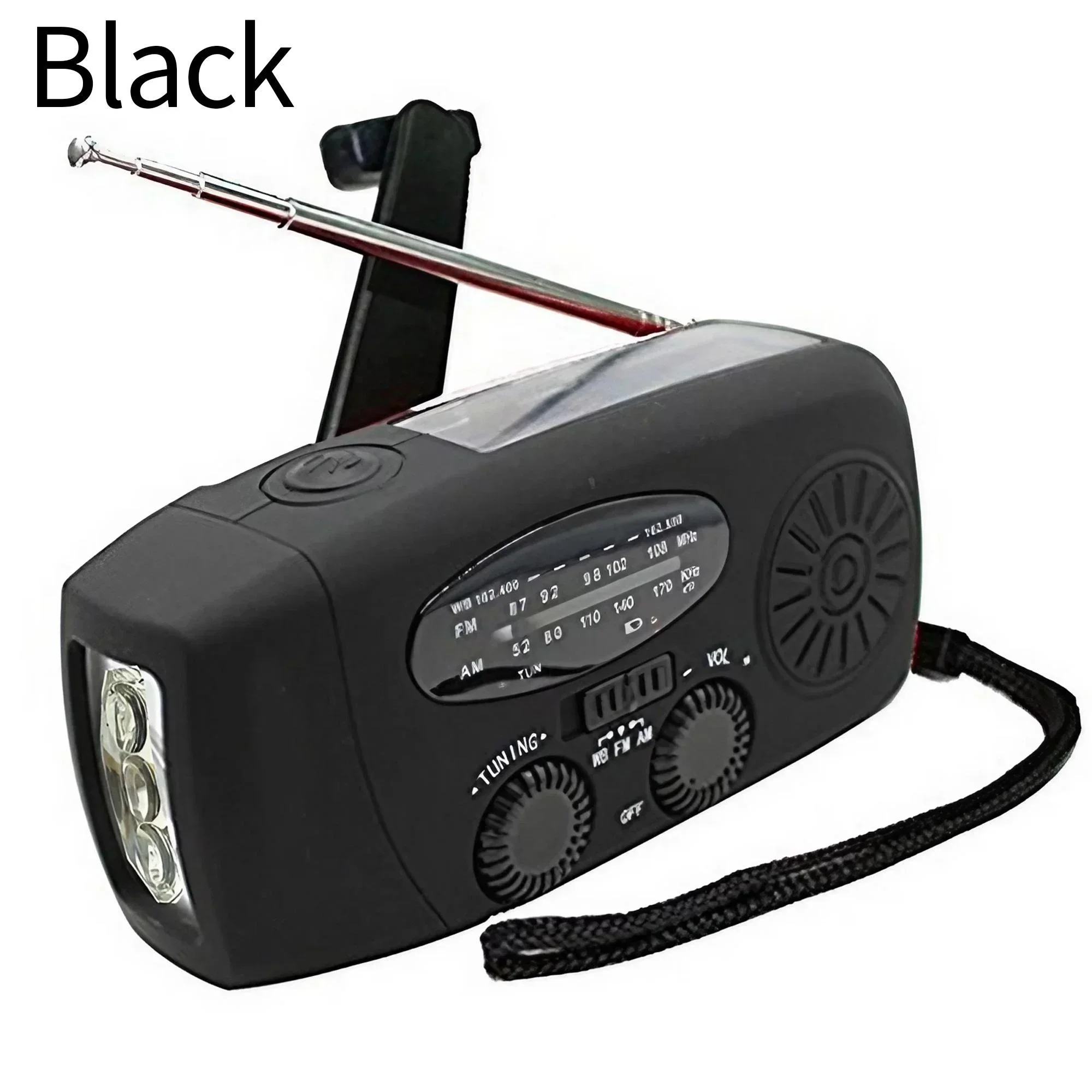
Color: red, black
Maximum power consumption: 0.5W
Gamma frequency:
Medium wave: 520~1710 kHz
FM: 87~108MHz
National Oceanic and Atmospheric Administration: 162.450 ~ 162.550 MHz
Working voltage: 2.7V~4.2V
Power supply: 2000mAh lithium-ion battery.
LED: 3high-brightnesss white LEDs
FM/AM/NOAA
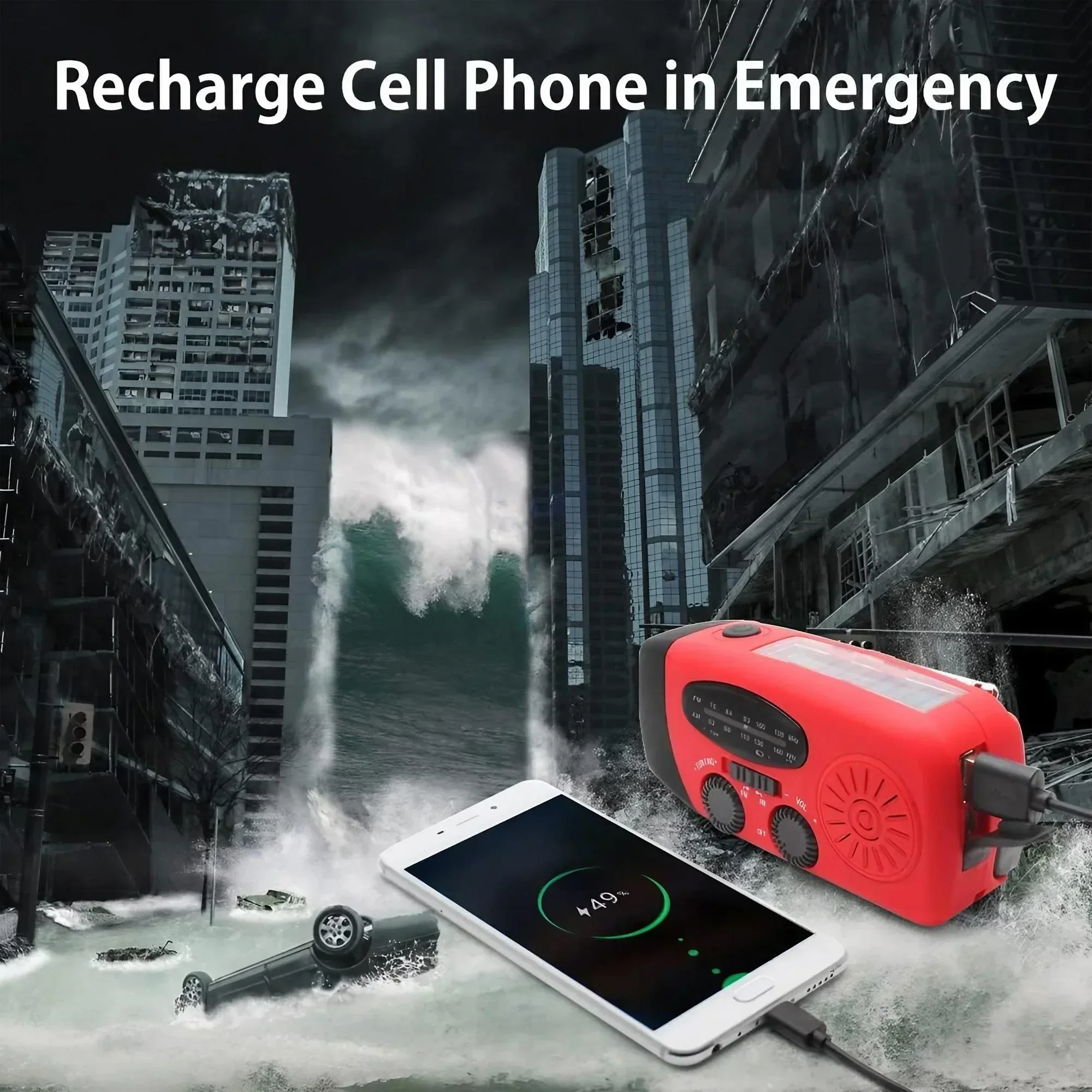
Mobile phone emergency charging
Charge and discharge protection
Multiple charging methods:
Hand crank, solar powered. Turn off the internal alternator/expose to sunlight
DC5V USB charging, connect to the computer with the USB cable
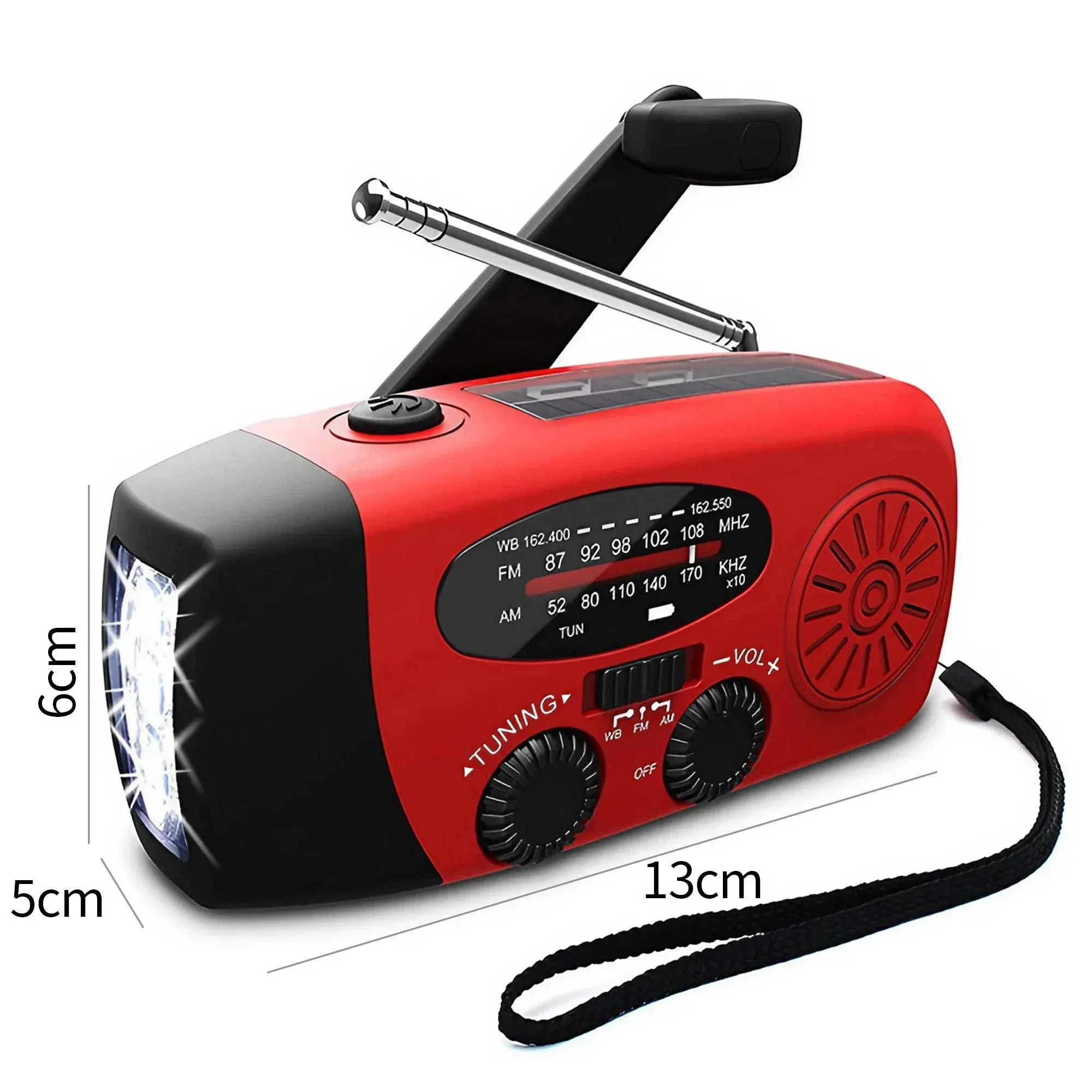
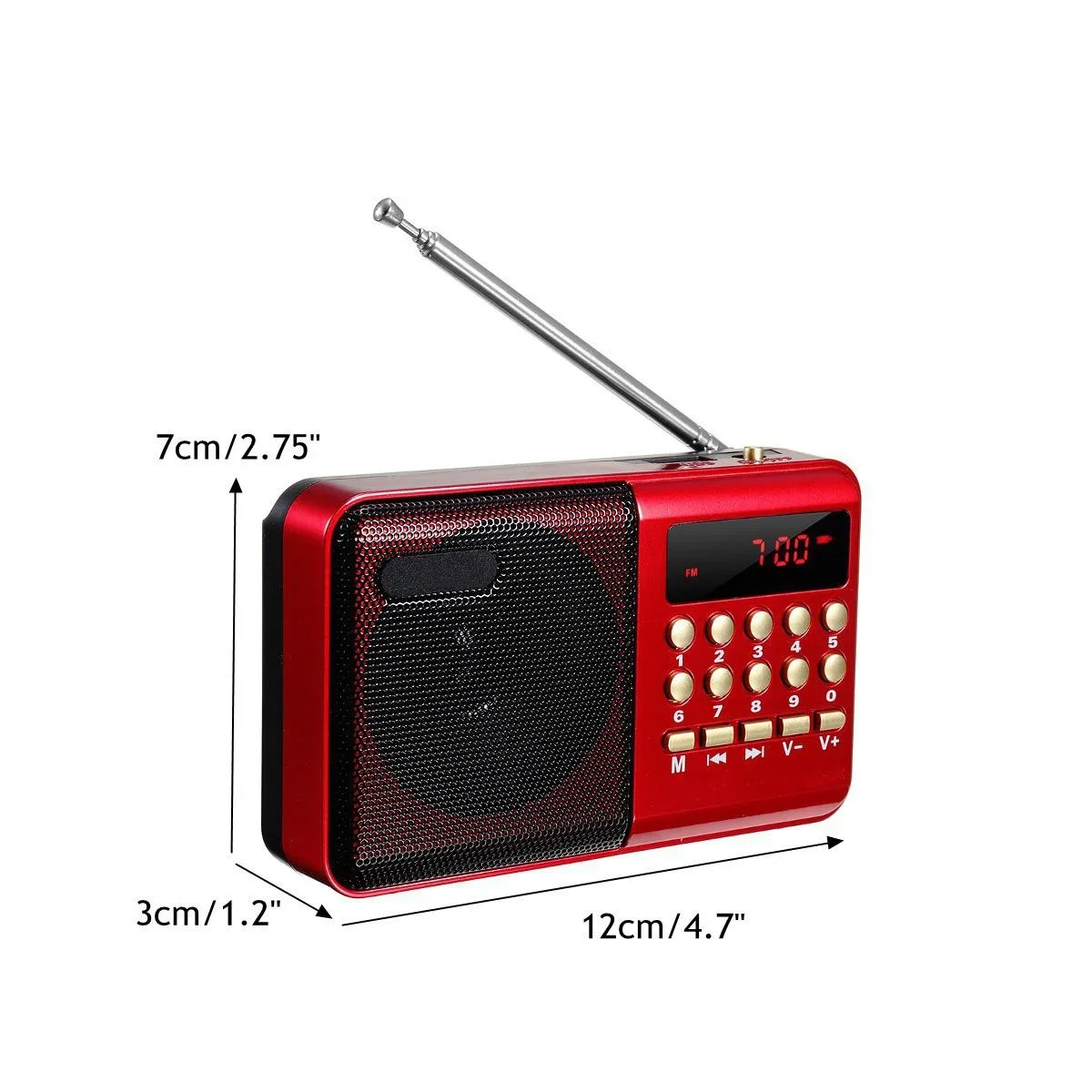
Size: 130X60X40 (mm)
To use the radio:
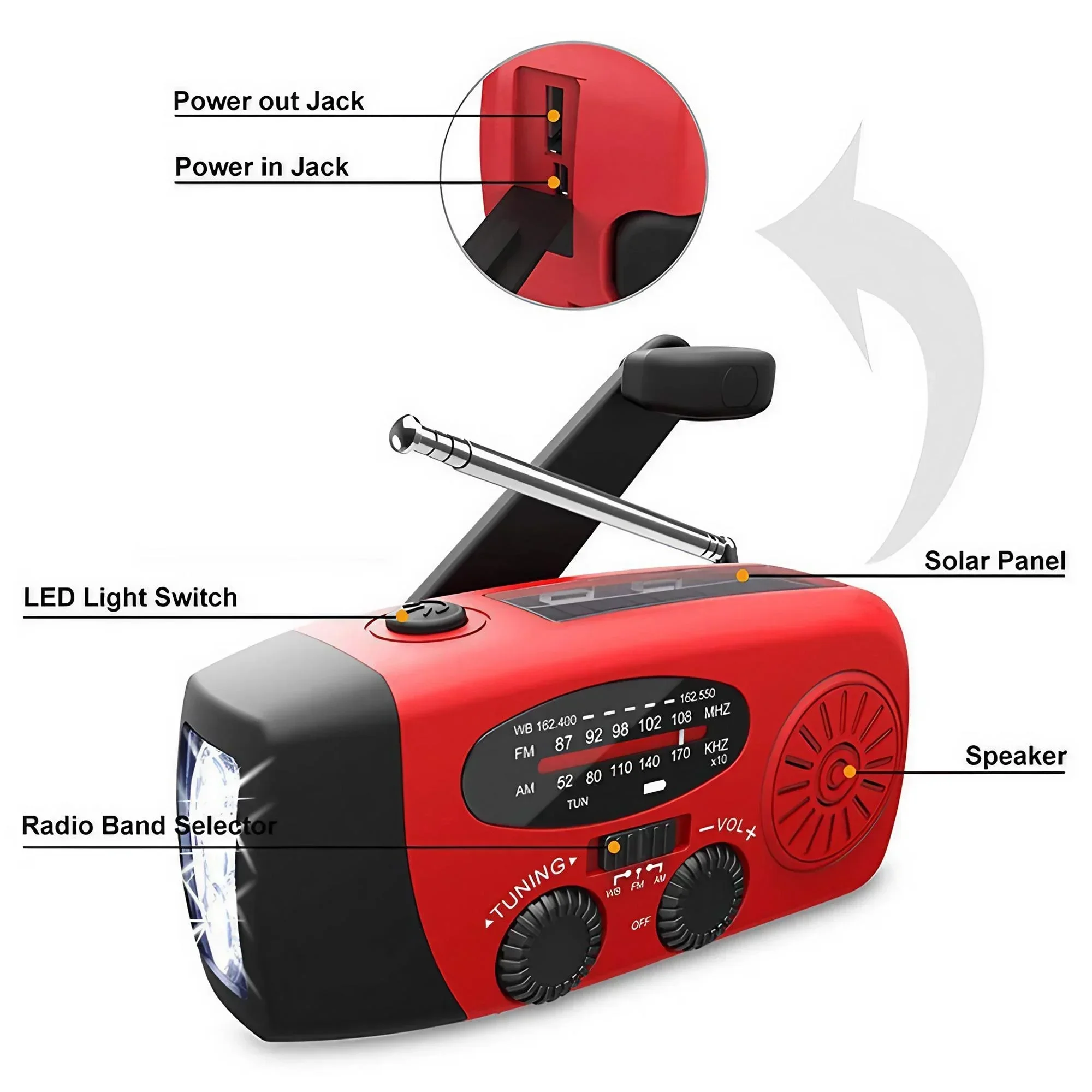
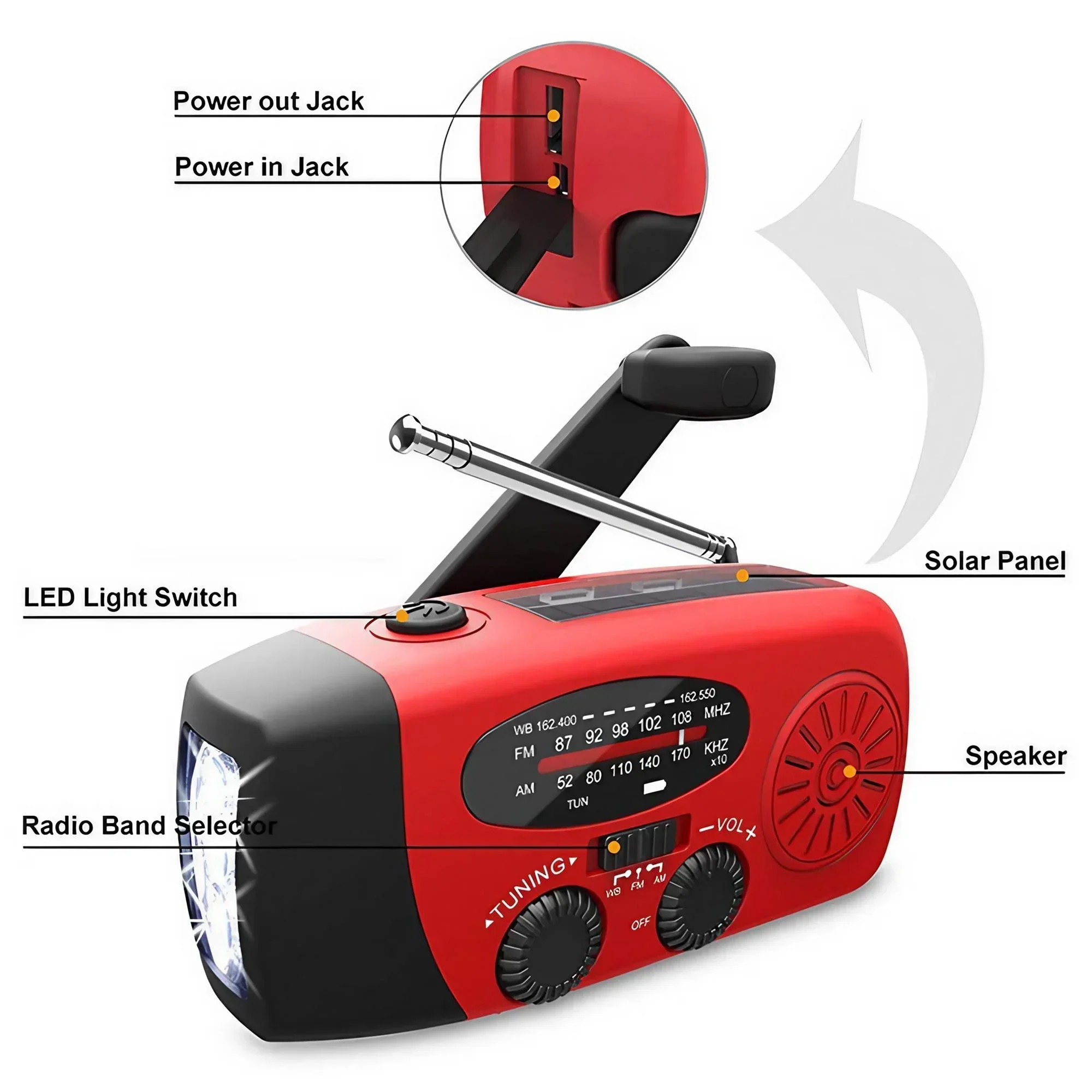
Turn the volume knob clockwise to turn on the radio and control the volume.
Select AM, F, M, or WB radio band. For better reception, extend the radio antenna.
Rotate the TUNER DIAL to select a station. green melody
When the selected station is fully connected, the indicator light will illuminate.
Use a flashlight:
Press the flashlight switch to turn it on.
Press the flashlight switch to turn t off.
Solar/Crank/USB Power Supply:
1. Solar energy:
Place the product in moderate sunlight for about 10-12 hours, the red power indicator light will light up while charging.
2. Manual power supply:
Lift the handle.
When using for the first time or when the device has been idle for more than 60 days, turn the crank clockwise or coun. counterclockwise for 3-5 minutes to activate the built-in battery. The red charg130 rpmdicator light lights up when starting
For subsequent charging, turning the crank for 2-3 minutes (crank speed >= 130rmp) will produce: 15-20 minutess of continuous lighting of three LEDs; 15-20 minutes of continuous radio use (medium volume);
Call time 3-5 minutes
USB charging port:
Connect one end of the charging cable to the Micro
Plug the other end of the USB jack into your computer’s USB port.
When the lithium-ion battery is low, the red power indicator lights u,p and the battery is charging
Charge cell phones, PDAs, MP3s. ..
Lift the rubber cover on the side of the device.
Connect one end of the charging cable to a standard USB port and the other end to the external device you want to charge.
Charging protection:
The red LED goes out and it’ss fully charged with discharge protection.
Automatically stops output when the battery..ry is overcharged or short-circuited
When the battery voltage is lower than 2.5V, the power will automatically turn off
Care and maintenance:
Clean the outside of the device with a soft, damp cloth.
Clean the lens using standard cleaning products.
Do not use harsh abrasives or any solvents to clean the device.
The unit is not fully waterproof – only IPX3. Waterproof.f on Do not immerse in water.
When the device has been idle for more than 60 days or is used for the first time. Please turn or charge in the sun for 3 to 5 minutes to activate the built-in battery
Packing list: 1PC * multifunctional radio

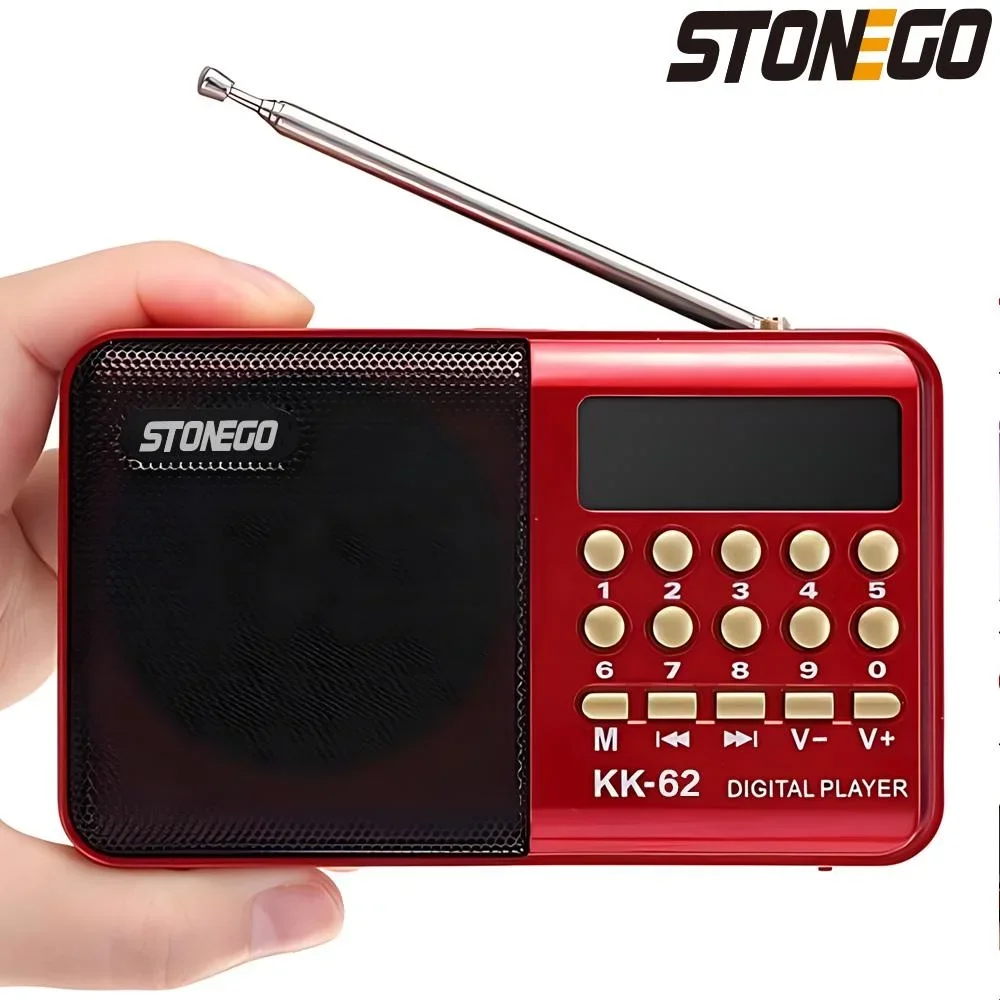
Specification:
Color : Red
Power Output: 3W
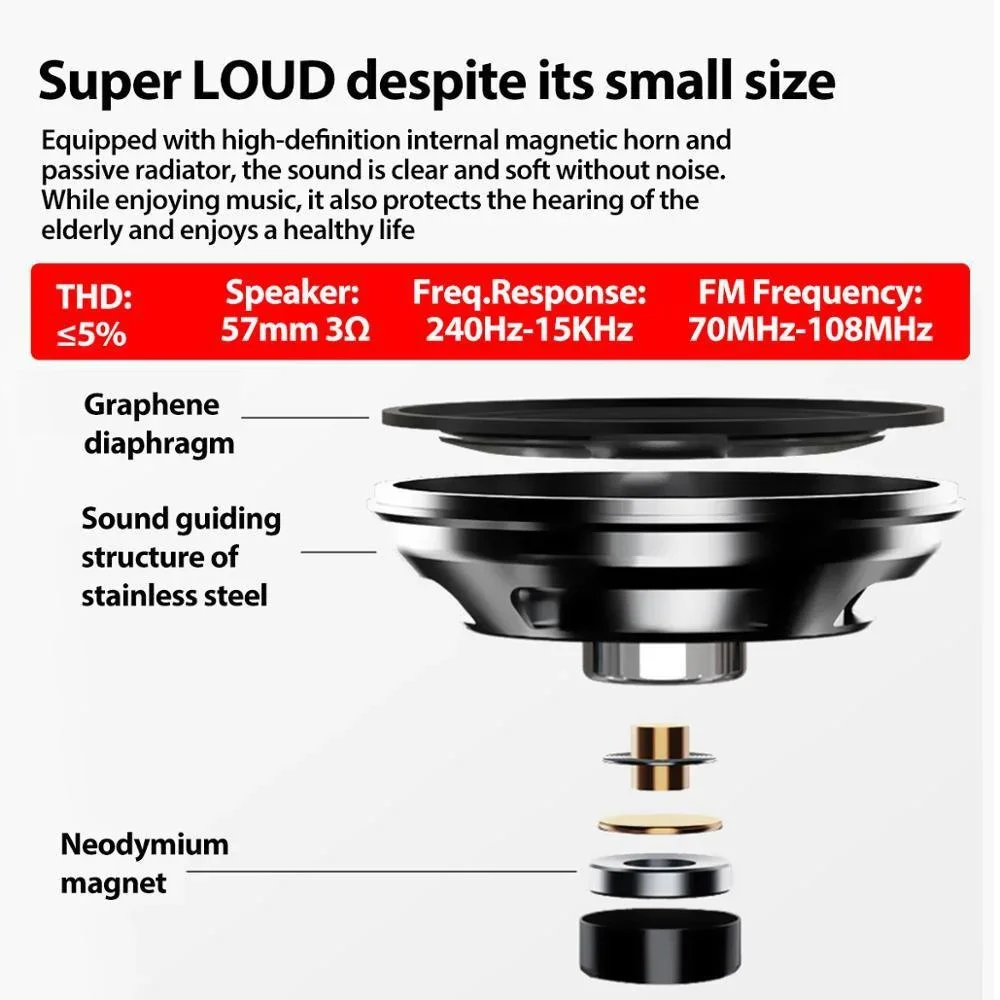
THD: ≤5%
Speaker: 57mm 3Ω
Freq.Response:240Hz-15KHz
FM Frequency:70MHz-108MHz
Input Power: DC 5V 0.5A
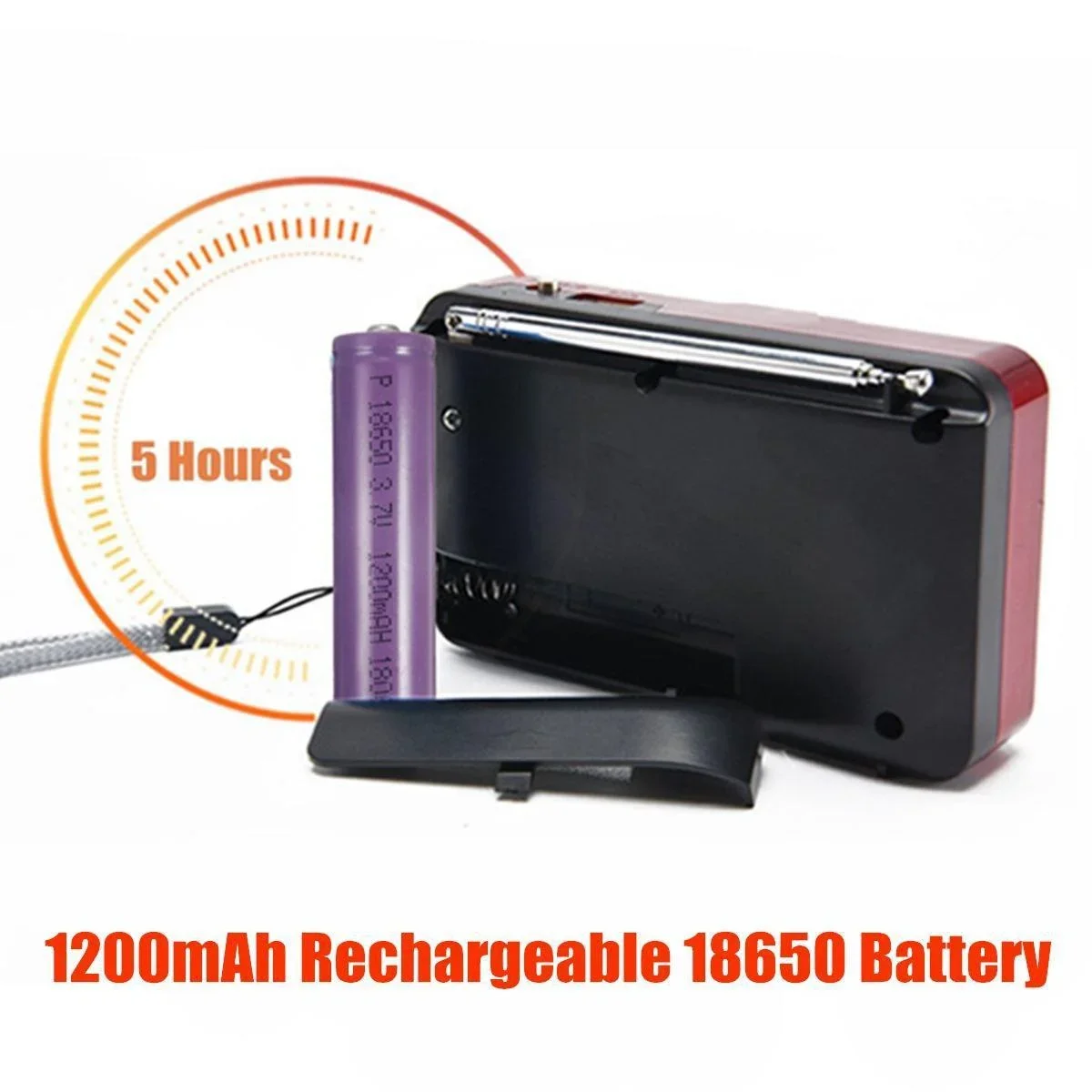
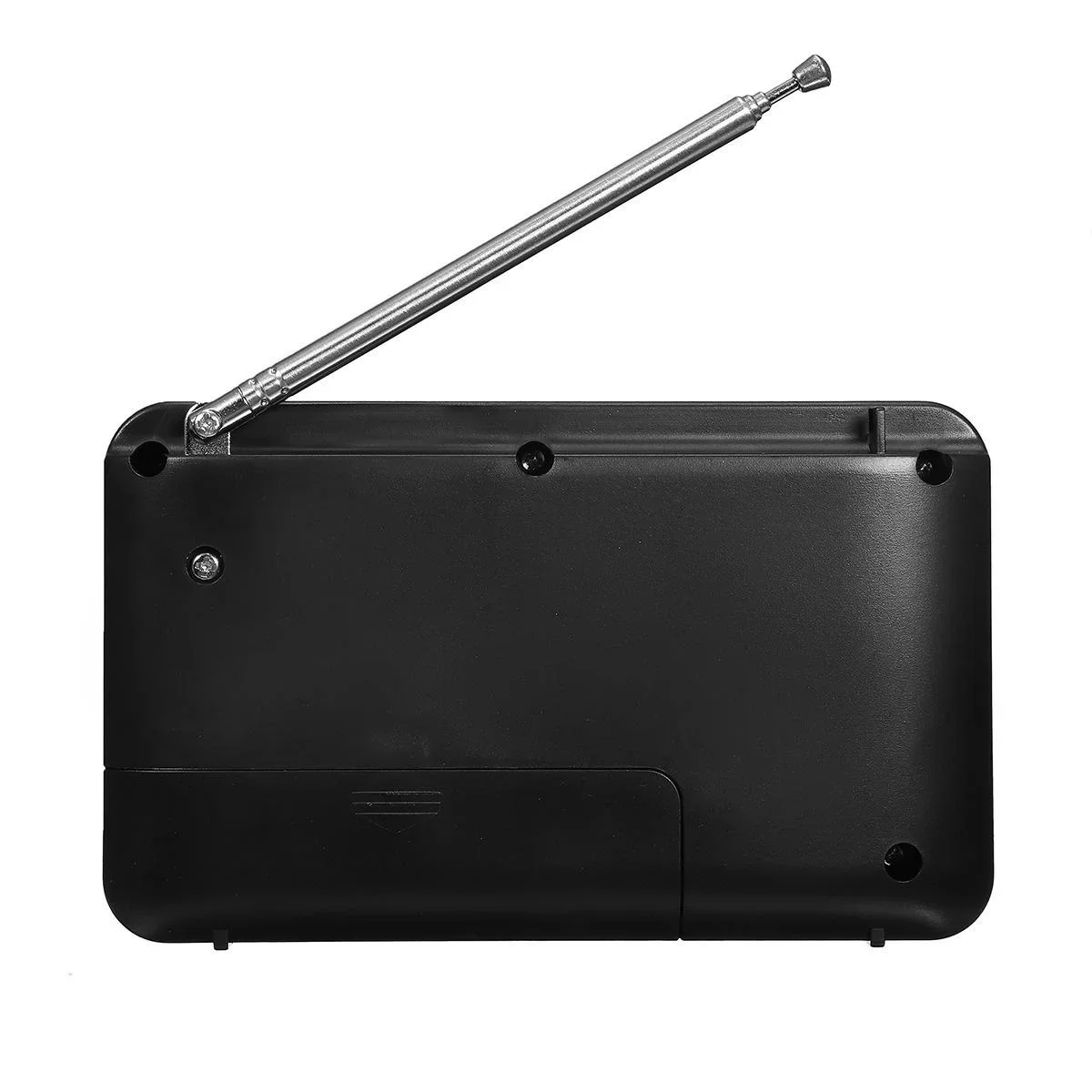
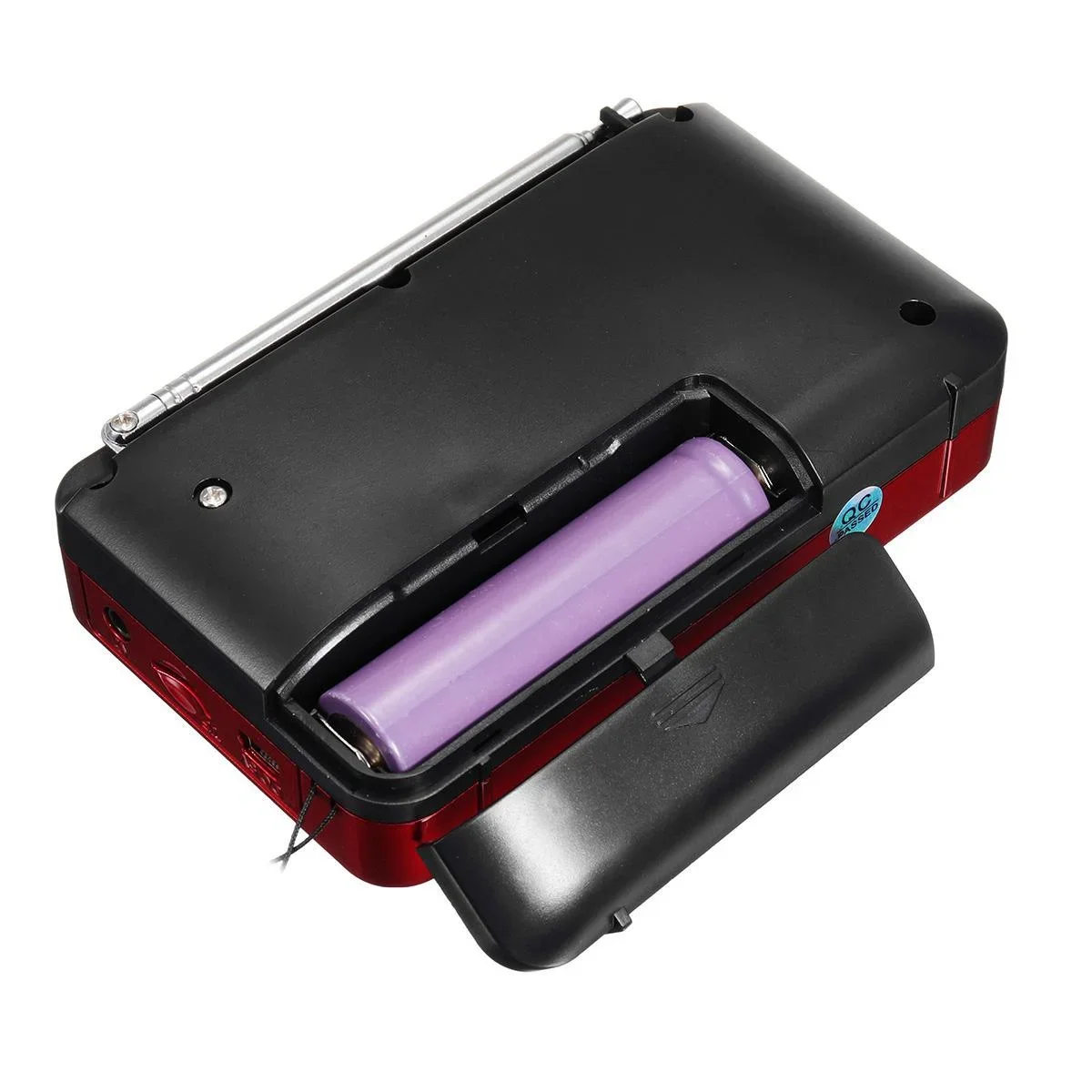
Battery:18650 3.7V/1200mAH
Features:
-Loud despite its small size.
-Plays up to 8000 songs in MP3 format.
-Easy to use.
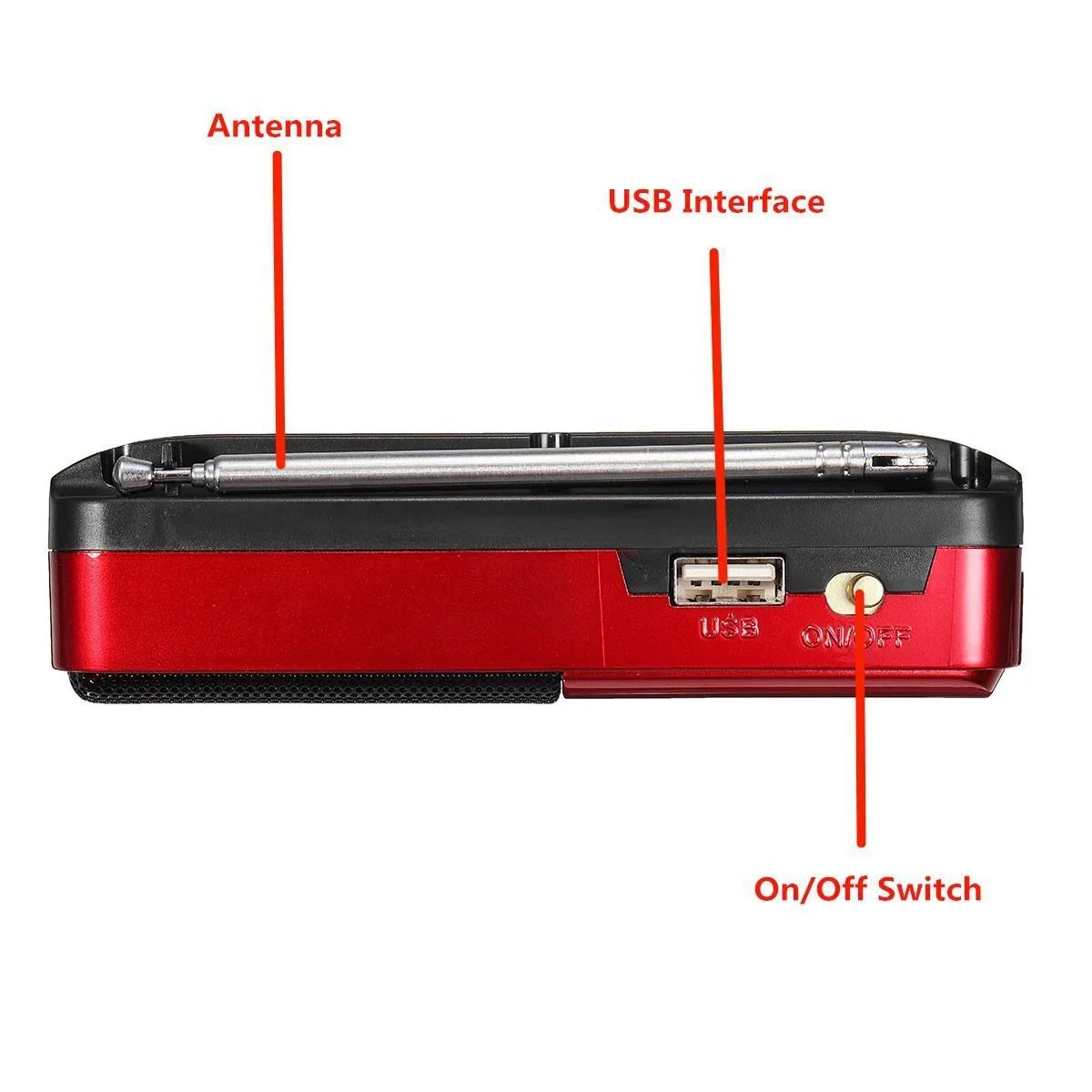
-Power : Slide to switch ON or OFF.
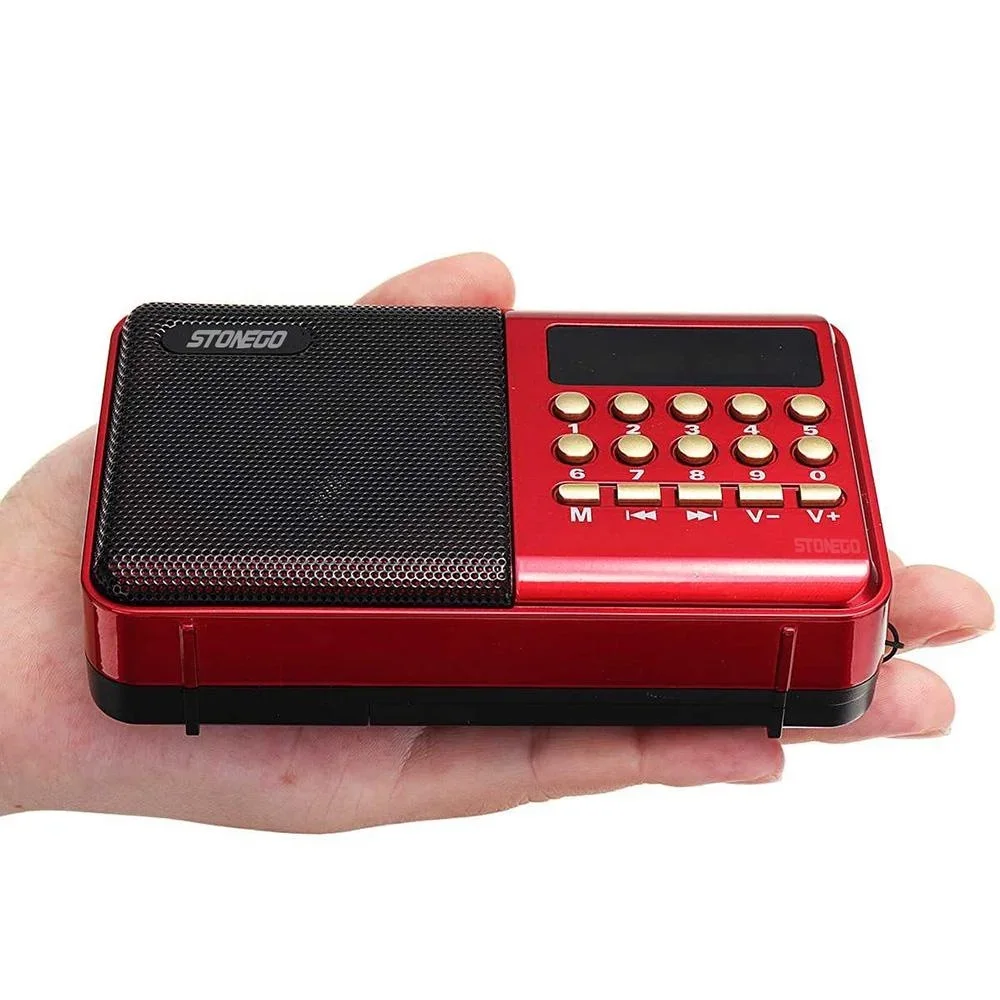
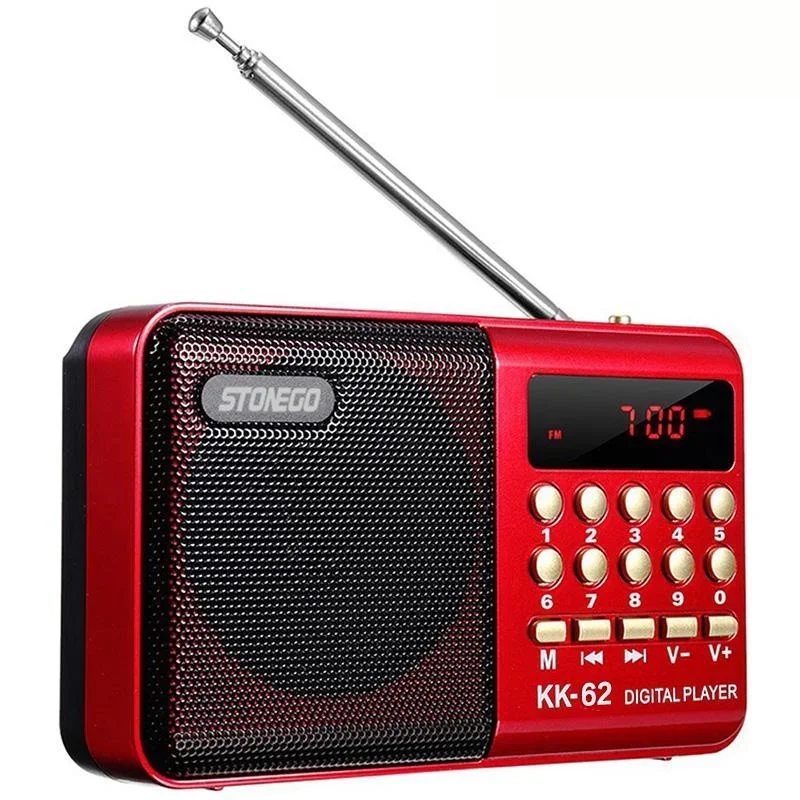
-Mode:Press to change source between MP3(USB/SD) AND FM.In FM mode,press and hold to auto-search and preset station frequency.
Previous: In MP3 mode, press to skip to the previous track. Press and hold to fast-forward a track .In FM mode, presto selecttn the previous preset station.
Next: In MP3 mode, press to skip to the next track press and hold to fast forward a track.In FM mode, ress to select the next preset station.
-Vol. Dow :Press to decrease voto lume.
-Vol. Up:P ress to increase volume.
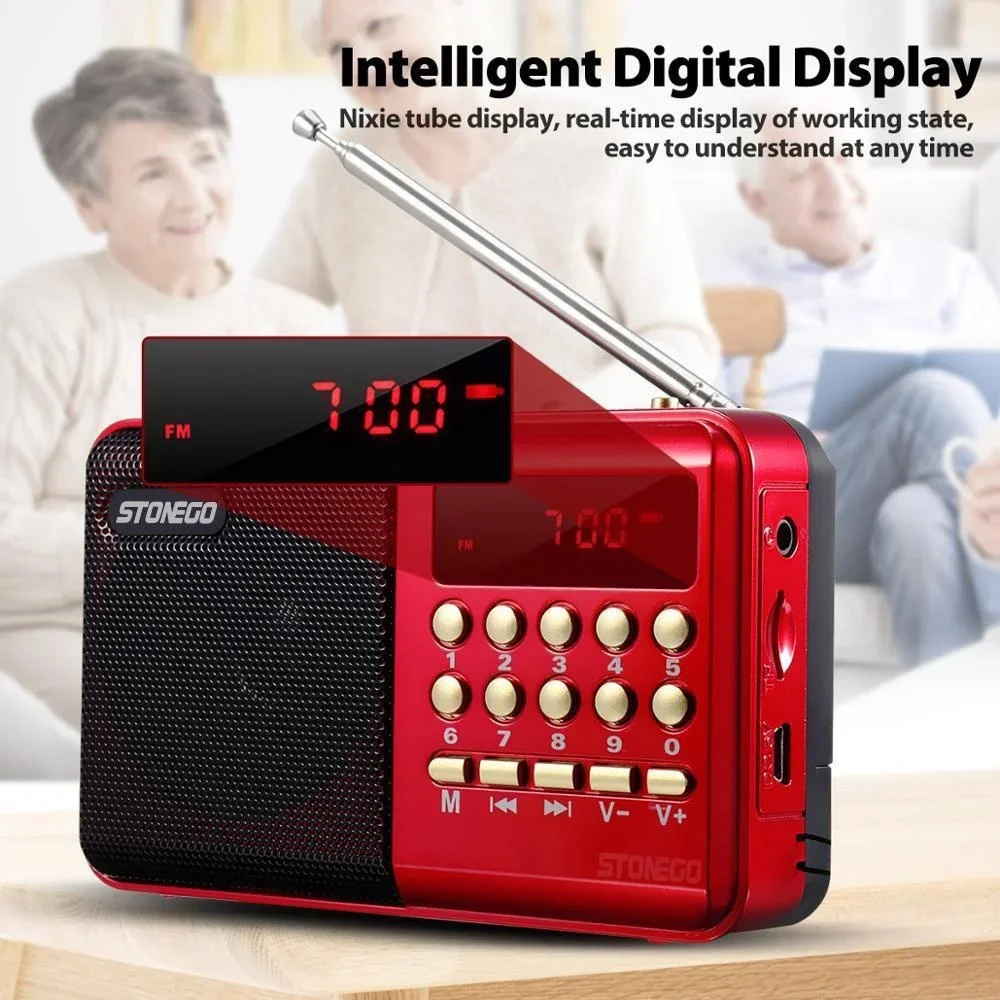
-Number 0-9: In M3 mode,press to select the specific track you want to list to en (e,.g. press 28 to select the 28th track in your playlist .In FM mode, press to enter the station you want to listen(e.g. press 898 to select the 89.8MHz broadcasting station) .
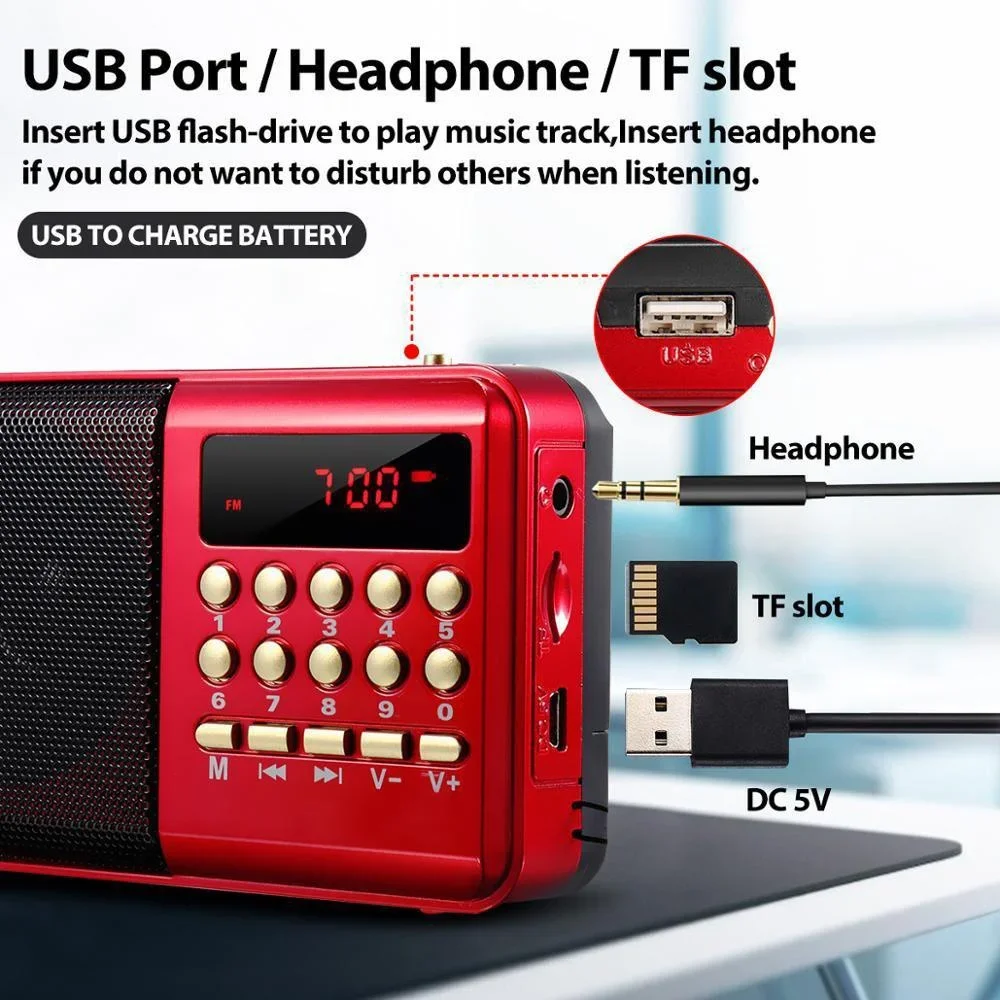
-USB Port :Insera t USBflash drivee to play a music track.
-Headphones :Inserheadphonesne if you do not want to disturb others when listening.
-TF slot: Insert microSD flash-drive(TFcard) to play music.
-DC 5V:Connect the provided power cable(USB-mini USB)to charge battery.
Package included:
1 x Stonego Radio
1 x 18650 battery


Real customer reviews