

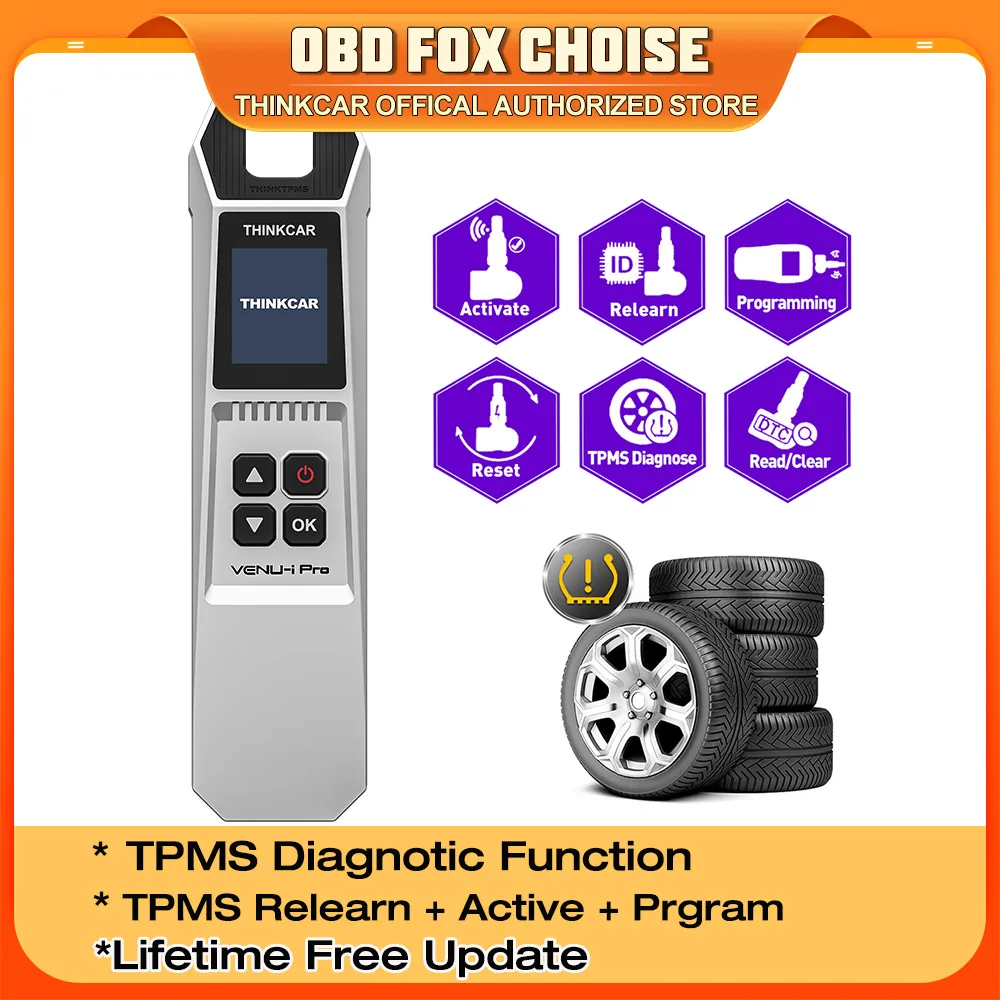
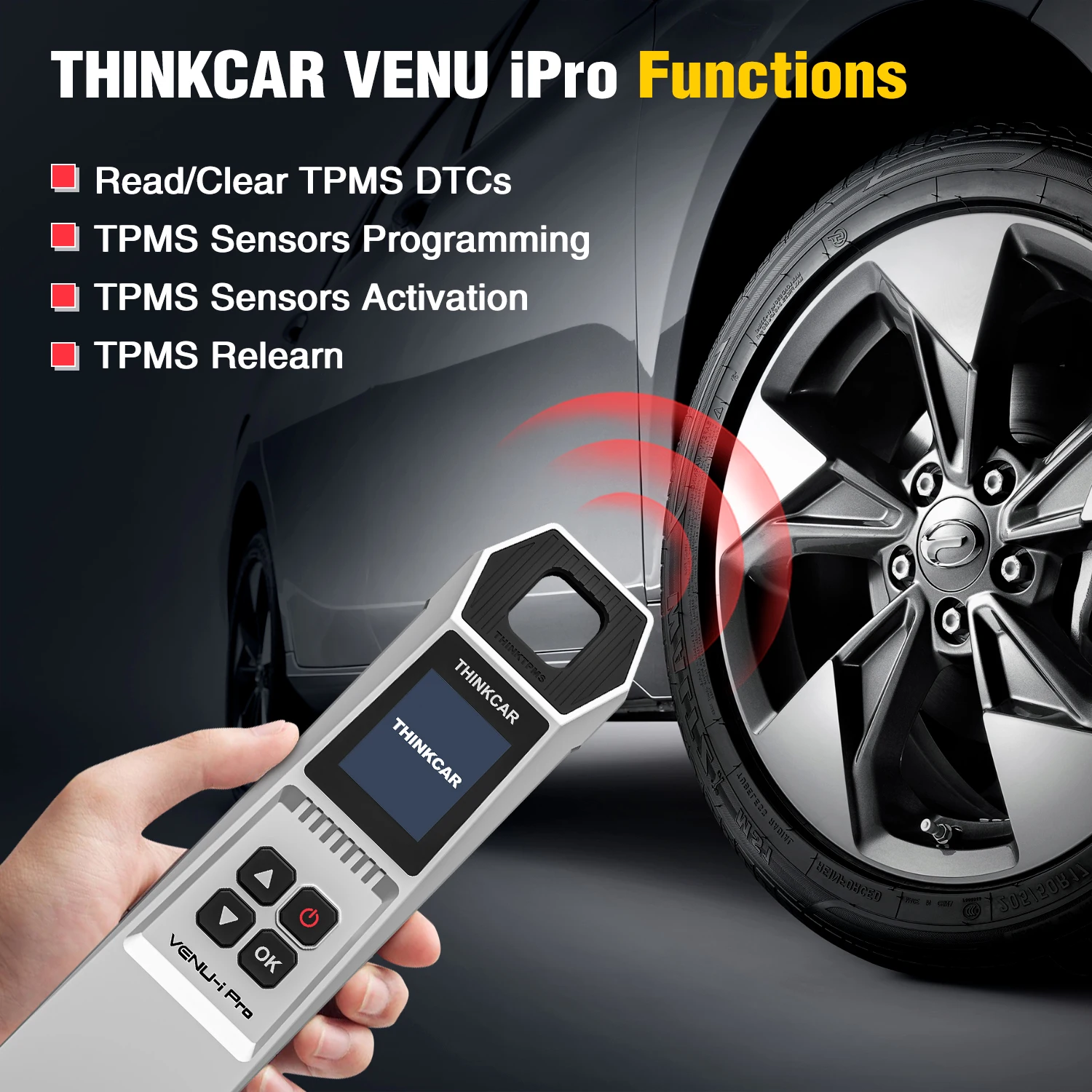
THINKCAR VENU i-Pro TPMS Car Tire Pressure Diagnostic Tools Activate Programming Relearn Sensors for 315MHz/433MHz
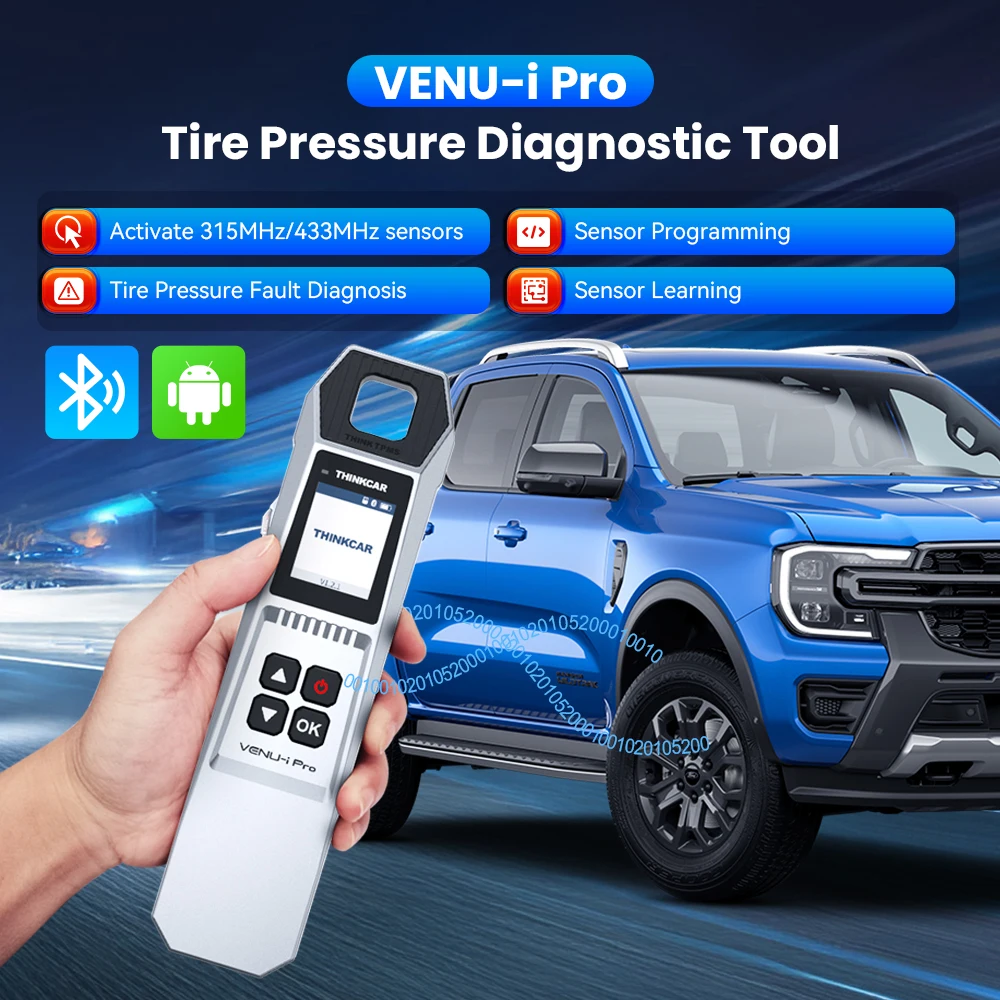
THINKCAR VENU i-Pro TPMS Car Tire Pressure Diagnostic Tools Activate Programming Relearn Sensors OE Query for 315MHz/433MHz
What is THINKTPMS G2?
* Works on Both 315Mhz & 433Mhz Sensors
* Relearn TPMS Sensors
* Activate TPMS Sensors
* Check ECU-ID Matching Status
* Check Sensor Real-Time Data
* Program THINKCAR/MUCAR Sensors
* Covering more than 98% of car models, the tire pressure activation programming learning function
* Check OE Sensor Information: Check OE Sensor Brand, Part No., sensor frequency, etc.
* Bluetooth update via APP(THINKDIAG+ APP&VENU APP)
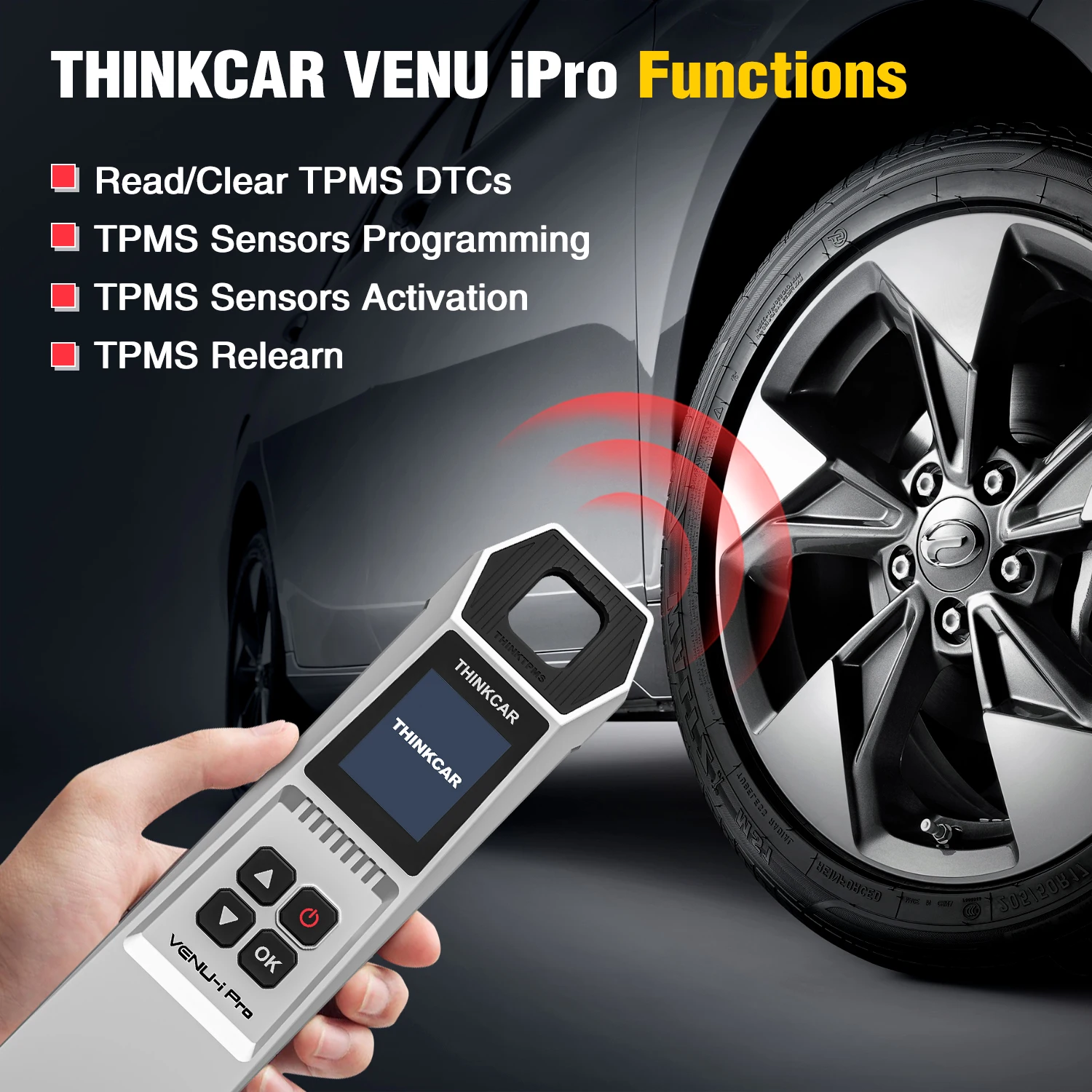
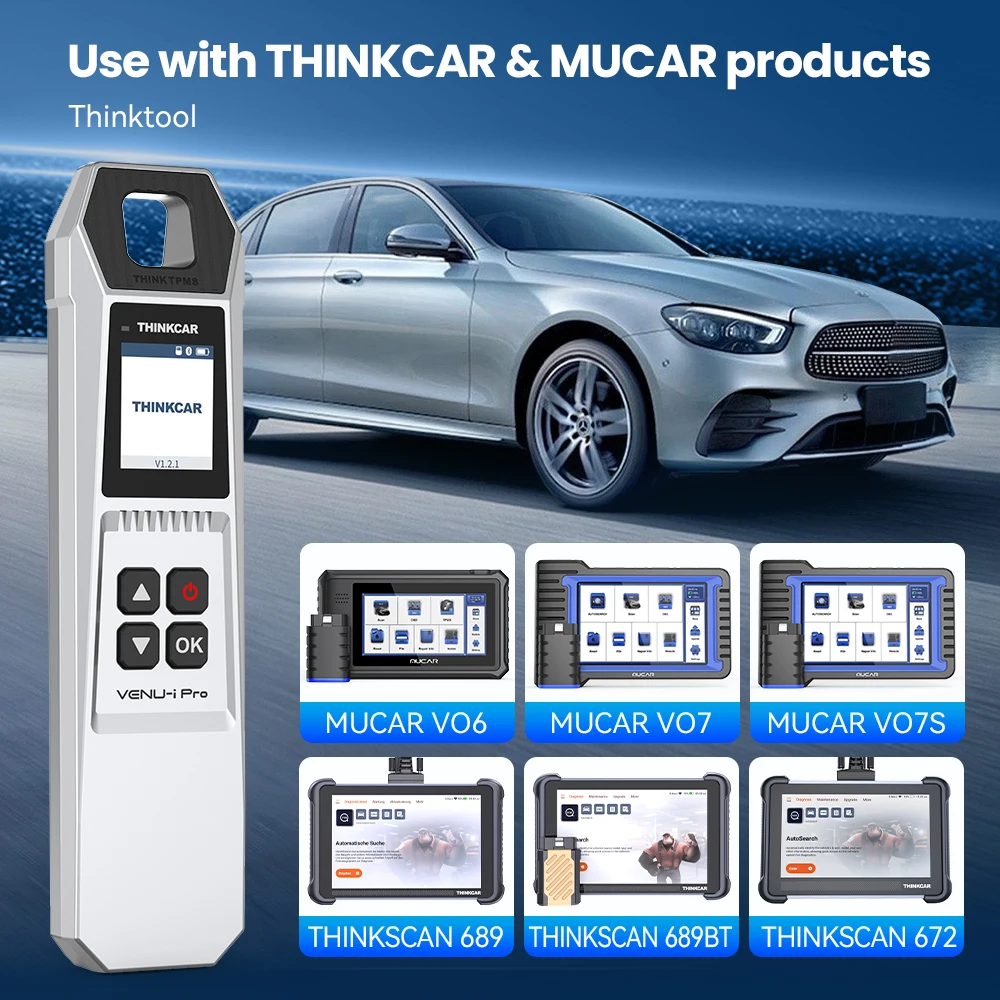
THINKCAR VENU i-Pro is a new generation of tire pressure diagnosis tool, which can realize Sensor Activation, Sensor Programming, Sensor Learning, and Tire Pressure Fault Diagnosis. It can be connected to the i-VENU APP via Bluetooth and used to easily diagnose tire faults on mobile phones. It can also be used with THINKCAR/MUCAR series products to help you diagnose car tire information.
This TPMS scan tool, VENU i-PR, enables you to activate More than 98% of the models in the market. You can rapidly and accurately trigger and decode sensors to read their ID, pressure, temperature, battery, frequency,cy, and OE Part number before servicing the tires/wheels or when you are performing programming or relearn.
Tips: Only for use with THINKCAR/MUCAR products
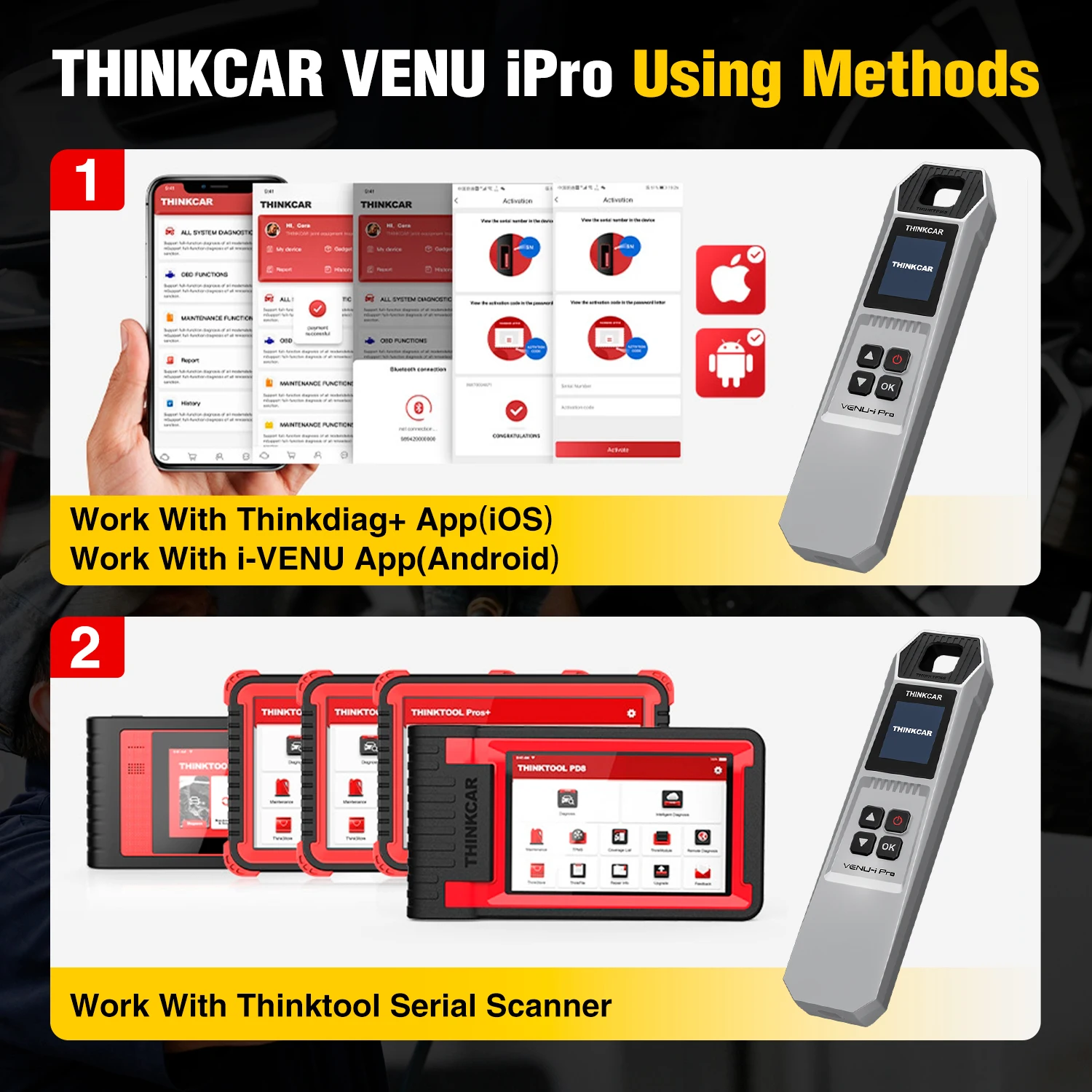
Access to Star Card Diagnostic Equipment, Tire Pressure Function / i-VENU Mobile App or THINKDIAG+ Mobile App > Search for VENU-i Pro devices to connect based on device serial number > Select area > Selecting a Vehicle Brand > Select model and year > Access to TPMS functions
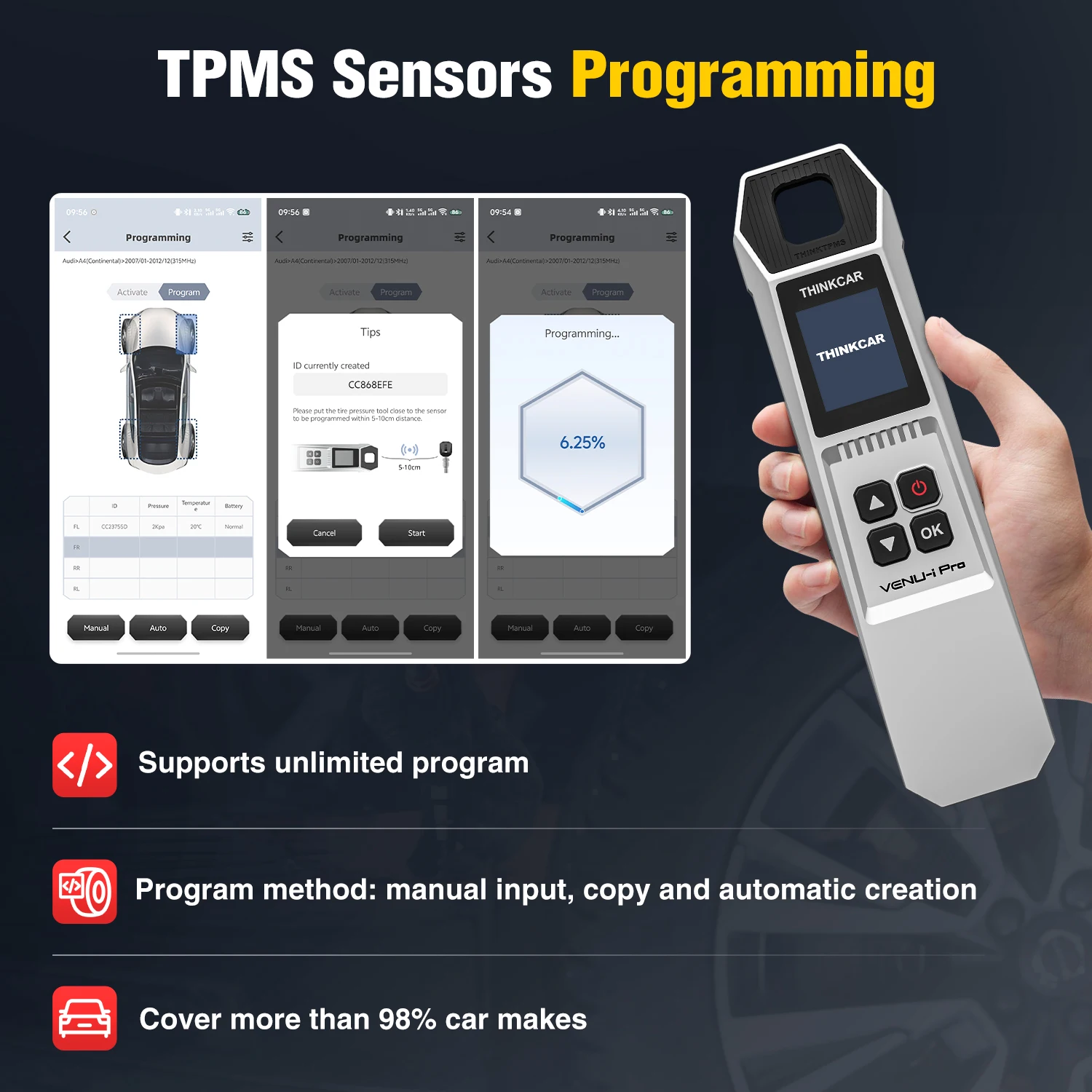
How To Program TPMS Sensors?
( Pls note: The program Function needs to work with the THINKTOOK service, and only for the Thinkcar sensor )
Mode 1: Automatic creation LD lD
The system automatically creates the sensor ID, places the Star Card sensor in the round hole above the device for programming, and then returns to the activation page after programming and presses the ok button on the VENU-i Pro device to activate it.
Mode 2: Manual LD
Creation of the current in-vehicle sensor ID is available; it can be programmed using the manual entry of the original vehicle sensor ID. Select the vehicle tires and click on ManuallyCreate to enter the LDD and program it.
Tip: If you choose to create the sensor ID manually, you will need to perform a “Learn” function after programming is complete, and if the original sensor ID is entered, the Learn function is not required.
Mode 3: Activation Copy
The original vehicle sensor needs to be activated first to get the original vehicle sensor ID, and then write the original vehicle sensor ID to the sensor to be replaced by copying the sensor ID to the StarCard sensor. (1)Activate the original vehicle sensor; the sensor data will be displayed on the device after successful activation. (2) Place the StarCard sensor near the top of the VENU-i Pro device and program it. (3) Click the [OK button to program the copied sensor data to be written into the sensor. The programmed sensor by this method is mounted directly on the tires to be installed on the vehicle. The vehicle TPMS warning indicator will automatically turn off.
Tip: Before using activation copying, it is important to ensure that the original sensor can be activated.
Mode 4: 0BD copying
Connect the diagnostic equipment with the vehicle diagnostic seat first. Read the vehicle sensor data by executing [Read ECIDDj, and then write the read vehicle sensor data into the star card sensor by copying g.(1)Connect the diagnostic equipment with the vehicle diagnostic seat and click [Read ECU ID] to read the LD information of the vehicle sensor.
(2)Select the tire to be operated by clicking the [Copy by OBD ] function.
(3) Place the THINKCAR sensor near the top of the VENU-i Pro unit and program it.
(4)ELD LD is written into the THINKCAR sensor after programming is completed.
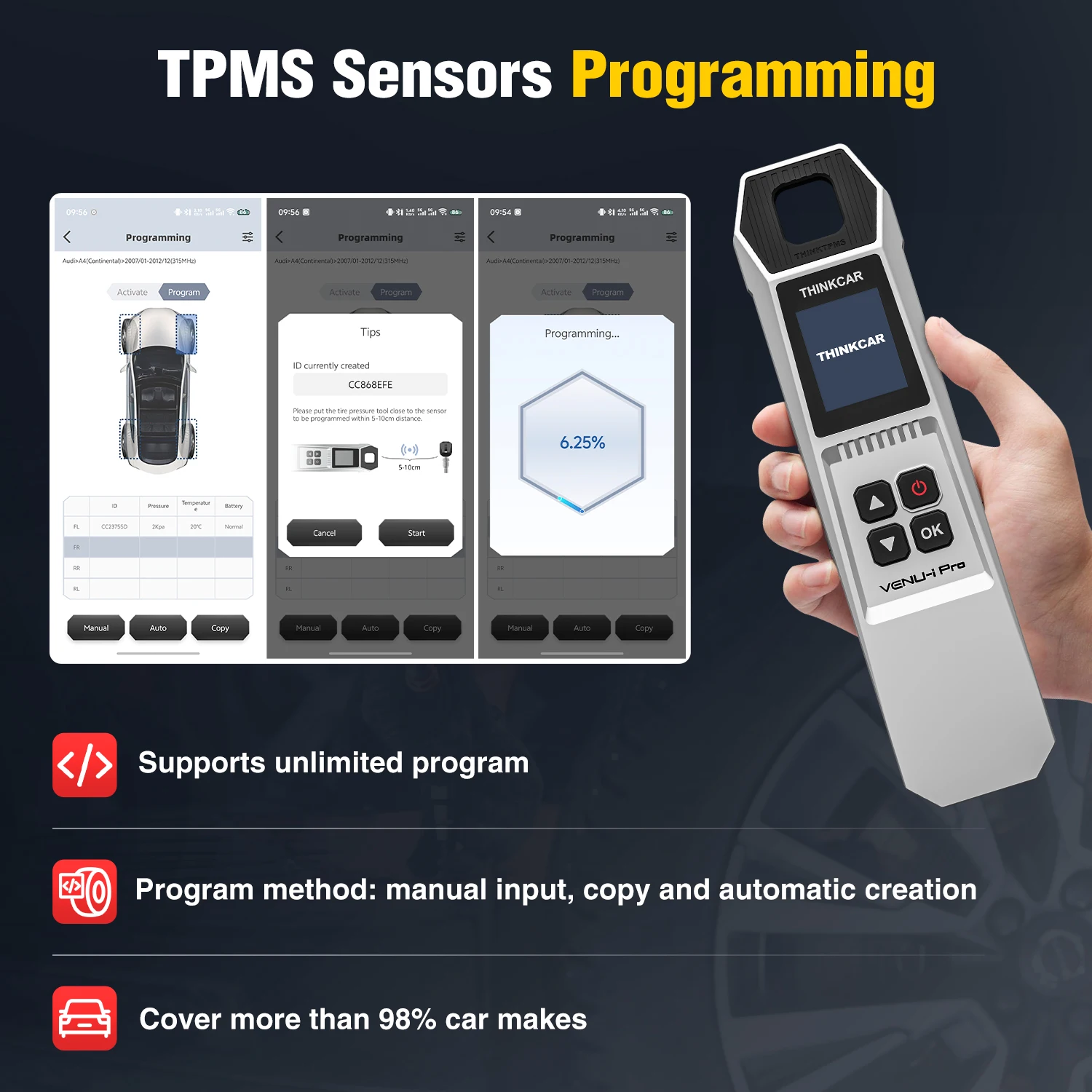
Via the i-VENU mobile application to perform TPMS diagnostics
VENU i-Pro Support THINKDIAG APP and i-VENU APP., APP is free
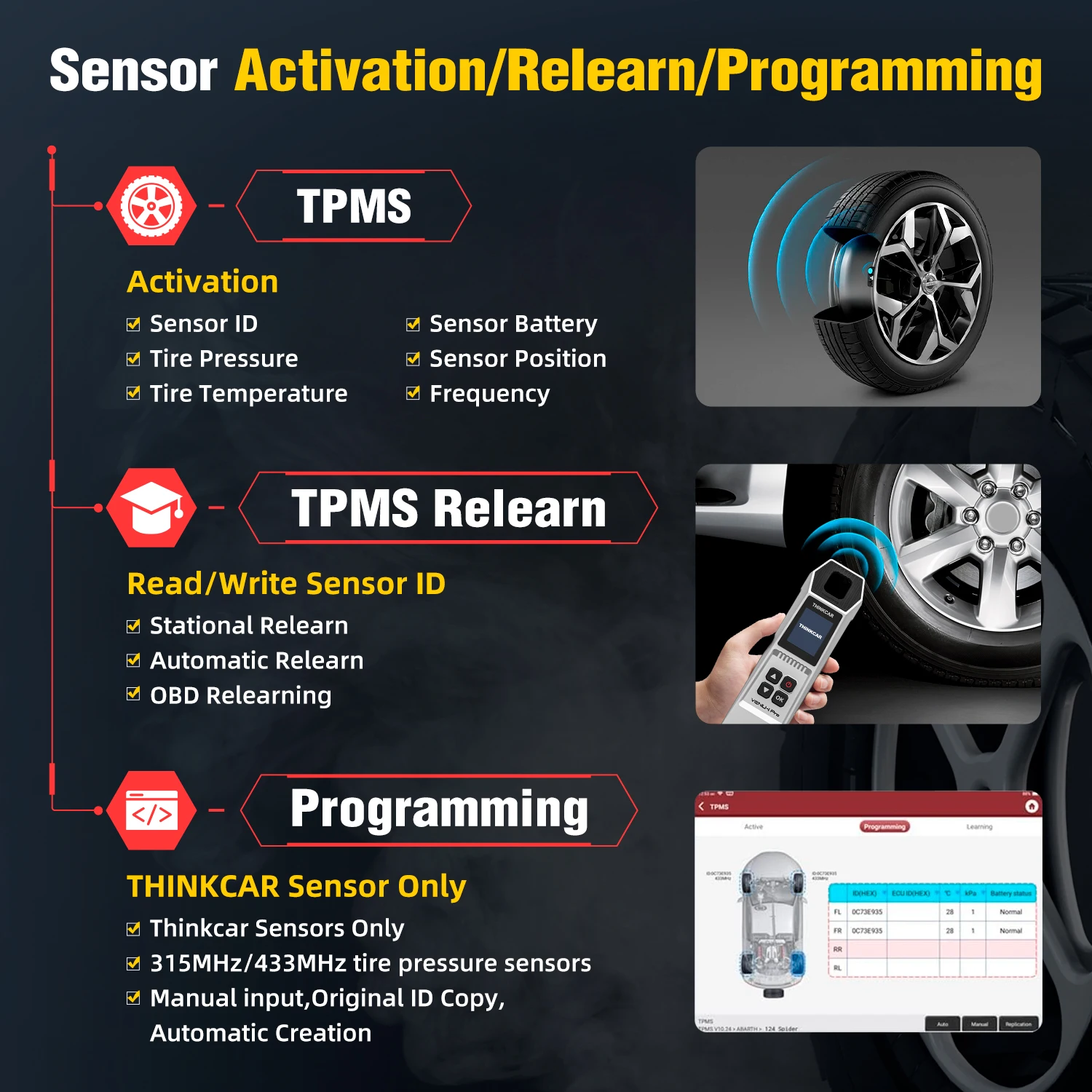
>>THINKCAR VENU i-Pro can activate all 315MHz/433MHz tire pressure sensors, and can read, copy, write sensor IDs, and read tire pressure data (pressure, temperature, battery status)
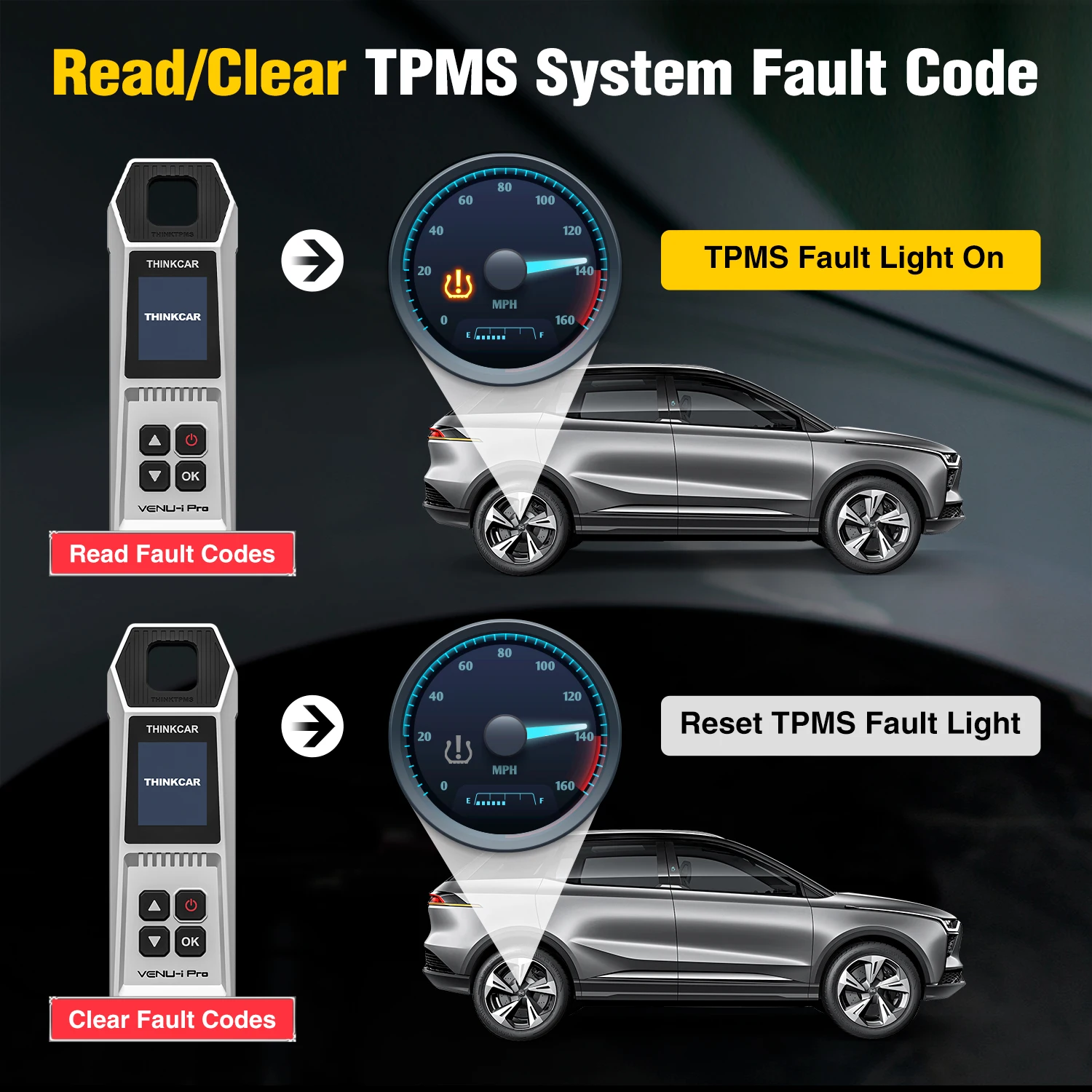
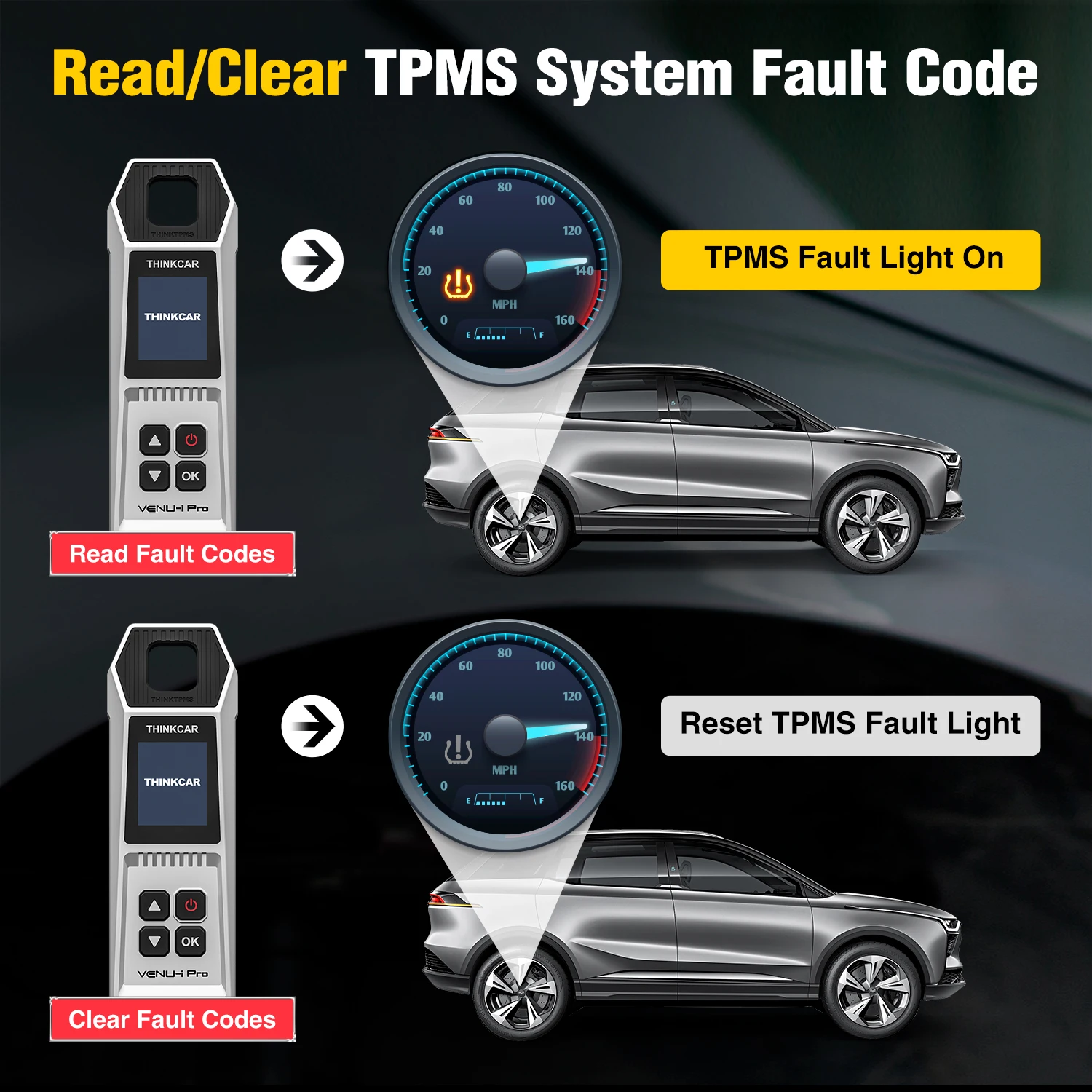
>>Support Sensor Learning: The tire pressure matching learning function can perform tire pressure fault diagnosis through prompt learning steps, including code reading and code clearing.
>>Support Sensor Programming: supports unlimited repeat programming function, covering more than 98% of imported models with tire pressure system, and supports multiple ID generation methods: manual, copy, and automatic creation. The user can use this function to program the sensor data to a blank THINKCAR/MUCAR sensor to replace the sensor with insufficient power or not working properly.
>>TPMS fault light is on /Read Fault Codes
>>TPMS fault light is off after clearing codes / Clear Fault Codes
VENU i-Pro — new generation of TPMS diagnostic and service tool, designed to activate/read/check known OBD2 TPMS sensors/status/health (sensor ID, tire pressure, tire temperature, battery status, Sensor frequency), program to start the RF (radio frequency) communication tire pressure sensor, and relearn the TPMS position after maintenance.
One key to receiving tire pressure sensor data, real-time read tire status, simple and convenient operation, built-in learning guidance, allows you to quickly become a master operator. This product fits for THINKCAR/MUCAR diagnostic tablet (MUCAR VO6/VO7/VO8, THINKCAR 689/689BT,672,)etc.
Support more than 115+ brands.
For OBDII diagnostics, the OBD222 code reader works great for most cars built in 1996 or later, being compatible with the following protocols:
-ISO 14230-4 (KWP2000)
-ISO 15765-4 (CAN)
-ISO 9141-2 (iso)
-ISO 14229 (uds)
-SAE J1850 (VPW & PWM)
-Original protocols of makers
For advanced functions as active test, all system diagnostics, and maintenance service, it covers 95% of car models available in the market, including:
-Asia:
For Daewoo, for Honda, for JP Isuzu, for Kia, for Mazda, for Mitsubishi, for Nissan, for SGM, for Subaru, for Suzuki, for Toyota, for Hyundai, for Ssangyong
-Europ Fororr Aston Martin, for Audi, for Benz, for BMW, for Citroen, for Ferrari, for Fiat, for Land Rover, for Maserati, for Opel, for Porsche, for Renault, for Rover, for Saab, for Seat, for Skoda, for Smart, for Sprinter, for Volvo, for VW, for Peugeot
-America:
For Chrysler, for USA-Ford, for GM
And keep updating.
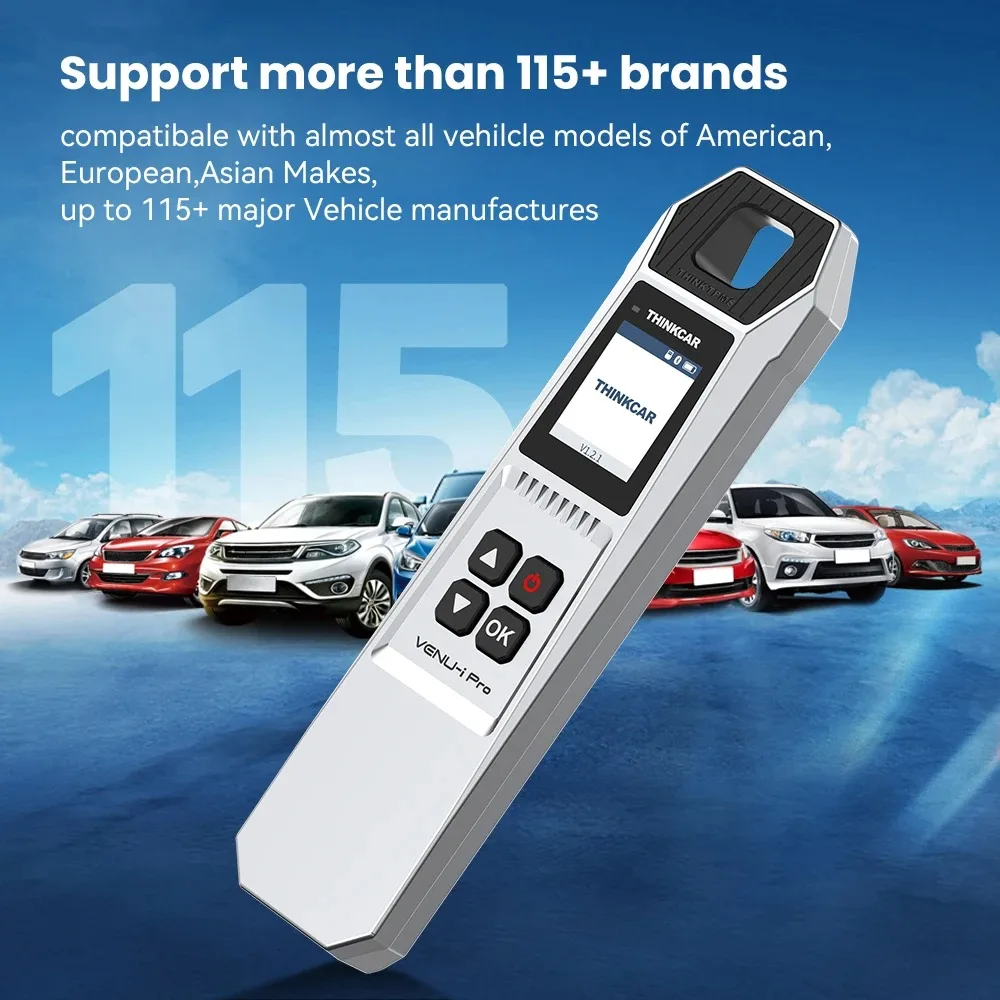
THINKCAR VENU I-PRO TPMS Parameter :
Model: VENU-i Pro
Display: 1.77 inches
Resolution:160*128 pixels
Battery: 2000mAh
Working temperature:-10°C~50°C
Storage temperature:-20°C~60°C
Size: 192*60*31mm
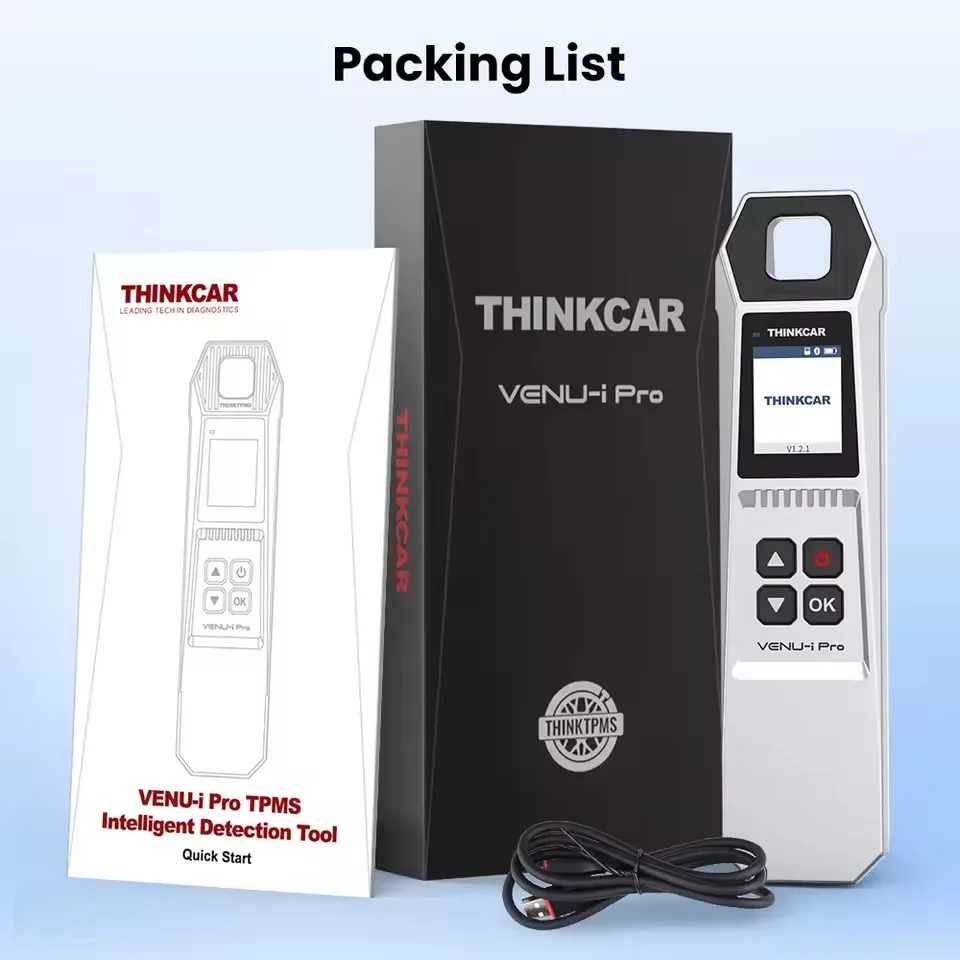
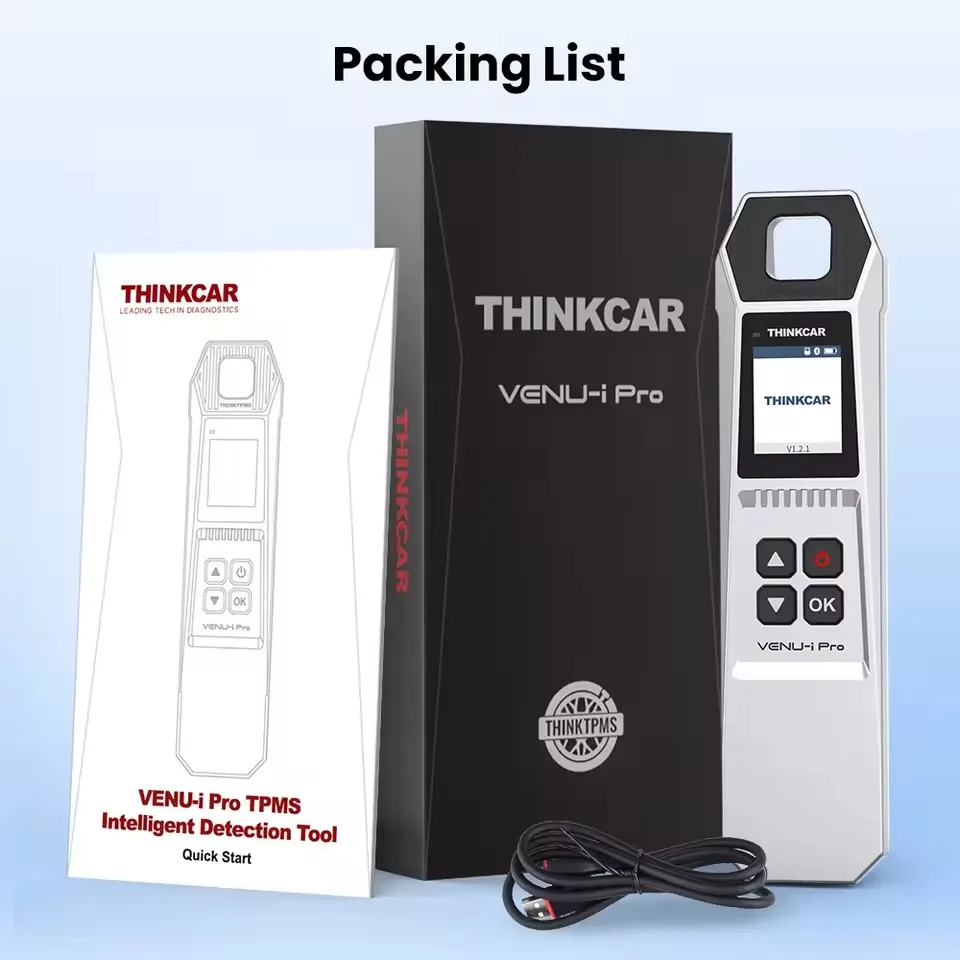
THINKCAR VENU I-PRO TPMS Packing List :




Real customer reviews